SeekSmart
ToolsUse casesIndustriesPlaybooksAI auditResources
Sign inStart audit

Find where AI pays back before you buy.

Start the free audit

Rules-based audits, researched tools, and pilot plans for small businesses.

ExploreToolsUse casesIndustriesCategoriesPlaybooks
DecideAI auditOpportunitiesMethodologyResourcesArticles
CompanySubmit a toolFeedbackPrivacyTerms

SeekSmart

© 2026 SeekSmartClear decisions before new software.
Tools/Design
KH

Khroma.

Free AI colour tool that learns the colours you like and generates palettes with hex, RGB, CSS, and WCAG contrast data.
FreeFree planby Khroma
Visit website
Compare
59Avg fit

Best fit

Design assets

66/100

Category
Design
Pricing
Free
Popularity
45/100
Setup
Moderate
Listing
Needs verification
khroma.co
Khroma website
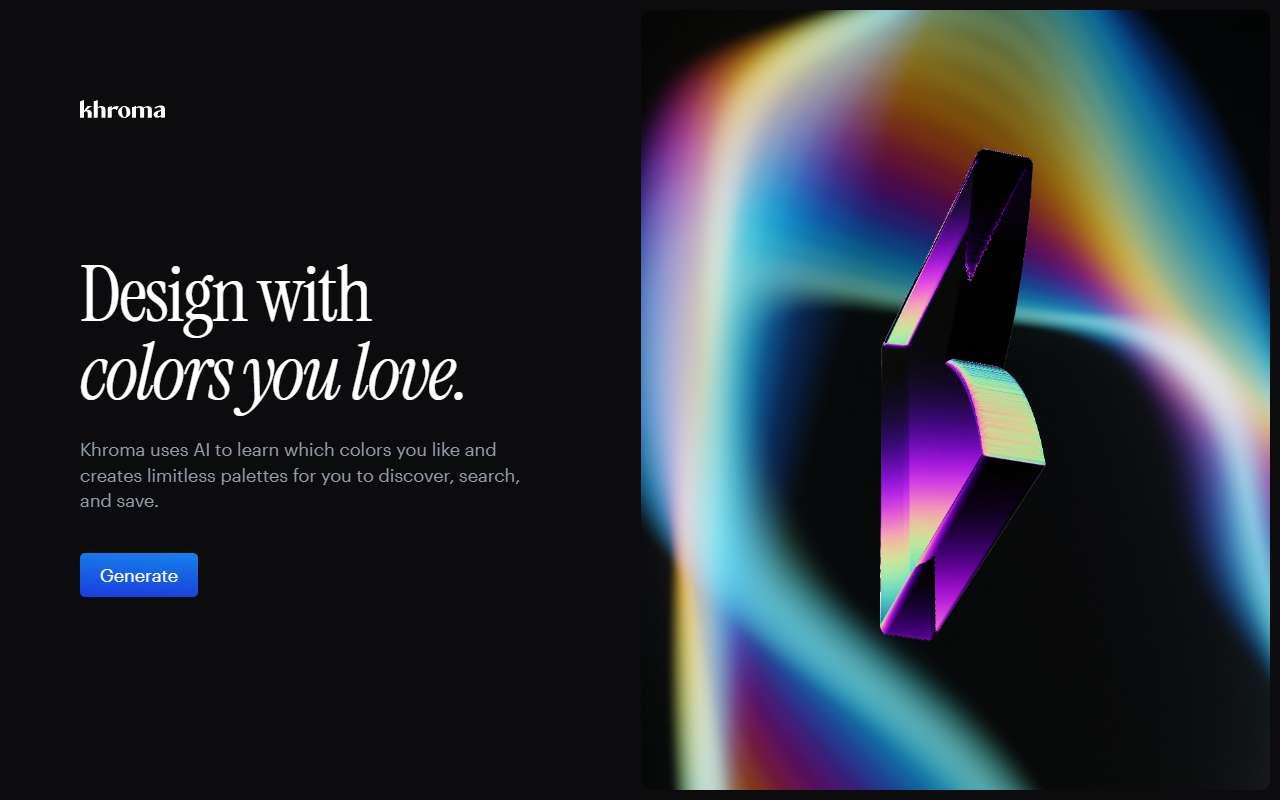
Homepage, captured October 2026

Overview

What it does.

Khroma is a browser-based colour tool. A user starts by picking about 50 colours they like, and a small neural network trained on popular human-made palettes then generates endless two-colour combinations shown as typography, gradients, palettes, or applied to a custom image. Results can be filtered by hue, tint, value, hex, or RGB, blocked if unwanted, and saved into a collection that records colour names, hex codes, RGB values, CSS, and WCAG accessibility ratings. It is used by designers and founders exploring a brand palette, a website theme, or packaging colours before committing. For a small business without a designer it is a quick, no-cost way to find accessible text and background pairs and consistent brand colours that can then be loaded into Canva, Adobe Express, or a website builder. A caveat is that it is a single-purpose tool with no accounts, team features, or export beyond copying values, and training runs locally so preferences do not sync across devices.

Pricing
Free to use in the browser with no paid plan listed (Oct 2026).
Works with
CanvaAdobe ExpressFigmaCSS
Features
Export optionsImage generationTemplates
Checked
October 2026

Fit

Where it fitsbest.

Open top use case
Use caseFitEffortRisk
  • Design assets

    Picking an accessible brand palette before building templates.

    1-2 weeks to value · Low effort · Medium risk · low

    66Review
    LowMedium
  • Governed brand content

    Documenting approved colour values with contrast ratings.

    2-5 weeks to value · Medium effort · Medium risk · low

    52Review
    MediumMedium

Verdict

Who it suits.Who it doesn’t.

Best for

  • Founders and marketers choosing or refreshing brand colours who want accessible pairings fast and free.
  • Picking an accessible brand palette before building templates.
  • Documenting approved colour values with contrast ratings.

Not ideal for

  • Anyone needing a full brand kit, font pairing, or team-shared colour libraries.
  • Only produces colours, nothing else.
  • No governance or sharing features.

Pays back on

Relatedopportunities.

Run the audit
  • 01Repurpose content across channels
  • 02Draft listing and property content
  • 03Prototype apps and internal tools faster
  • 04Generate governed brand content

Compare

Alternatives.

All design tools
ToolCategoryPricingScore
  • Canva logo

    Canva

    Design platform with AI-assisted image, copy, and presentation tools.

    DesignFreemium
    89
  • Looka logo

    Looka

    AI logo maker that turns a name, industry, and style preferences into logo options plus a full brand kit of templates.

    DesignPaid
    68
  • Adobe Express logo

    Adobe Express

    Template-based design app with Firefly AI for images, text effects, and background removal, plus Adobe Stock and font access.

    DesignFreemium
    85

Not paid placement. Verified means the listing passed our current editorial checks; it does not guarantee fit for every workflow.