
Canva
Design platform with AI-assisted image, copy, and presentation tools.
DesignFreemium

Free Microsoft design app that generates social graphics, invitations, and images from text prompts using DALL-E models.
Overview
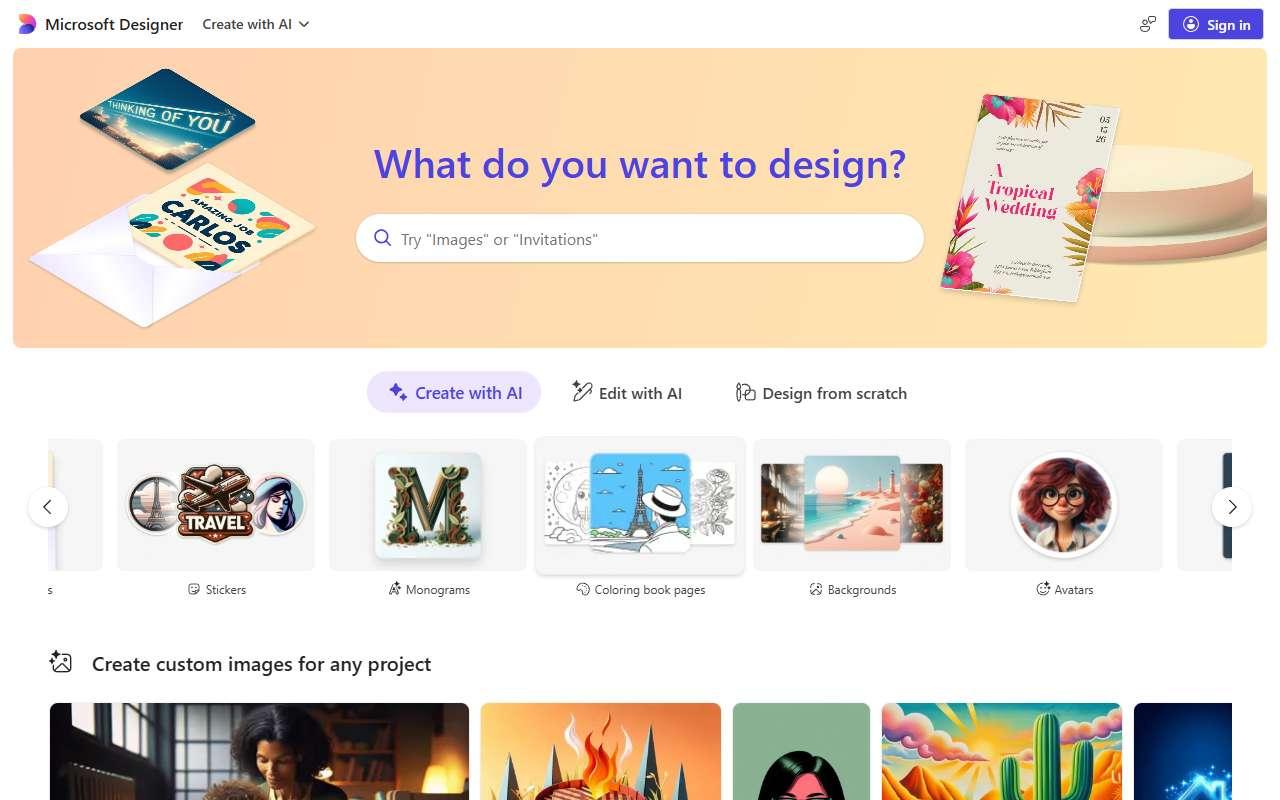
Microsoft Designer is a web and mobile app that creates designs from a text description. Users type what they need, such as a sale announcement for Instagram, and Designer proposes layouts with generated or stock imagery that can be edited, resized, and exported. It includes an Image Creator for text-to-image, background removal, generative erase, restyle, and sticker and avatar tools. Templates cover social posts, cards, invitations, flyers, and ads, and output is sized for Instagram, Facebook, LinkedIn, and other platforms. It ties into Microsoft 365 and Copilot, so images can be pulled into Word, PowerPoint, and Edge. For a small business already on Microsoft accounts it is a zero-cost option for quick promotional graphics. A caveat is that AI generation uses a daily pool of boosts that slows down once exhausted, and the template library and brand kit controls are thinner than Canva or Adobe Express.
Design assets
Quick social cards, invitations, and promo images.
1-2 weeks to value · Low effort · Medium risk · low
Image creation
Free AI images for blog headers and ads.
1-2 weeks to value · Low effort · Medium risk · low
Social media content
Auto-sized posts for multiple networks.
1-2 weeks to value · Low effort · Medium risk · low
Verdict
Pays back on
Compare
Design platform with AI-assisted image, copy, and presentation tools.

Template-based design app with Firefly AI for images, text effects, and background removal, plus Adobe Stock and font access.
Text-to-image generator known for accurate text rendering in logos, posters, ads, and social graphics, with an editor and canvas.
Not paid placement. Verified means the listing passed our current editorial checks; it does not guarantee fit for every workflow.