SeekSmart
ToolsUse casesIndustriesPlaybooksAI auditResources
Sign inStart audit

Find where AI pays back before you buy.

Start the free audit

Rules-based audits, researched tools, and pilot plans for small businesses.

ExploreToolsUse casesIndustriesCategoriesPlaybooks
DecideAI auditOpportunitiesMethodologyResourcesArticles
CompanySubmit a toolFeedbackPrivacyTerms

SeekSmart

© 2026 SeekSmartClear decisions before new software.
Tools/Image generation
Photoroom logo

Photoroom.

Background removal and AI product photo editor for sellers, with batch editing and marketplace-ready templates.

FreemiumFree planby Photoroom
Visit website
Compare
79Avg fit

Best fit

Image creation

85/100

Category
Image generation
Pricing
Freemium, from $7.99/mo
Popularity
80/100
Setup
Low
Listing
Needs verification
photoroom.com
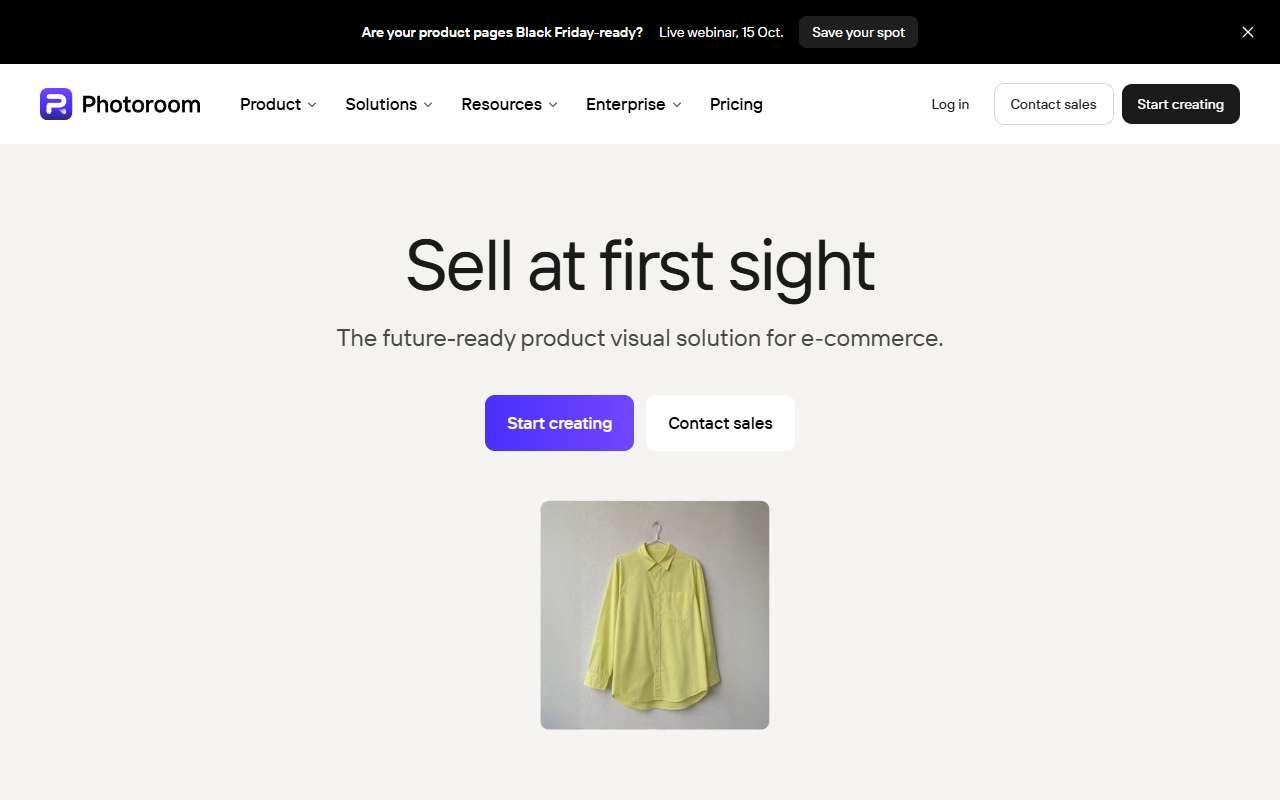
Photoroom website
Homepage, captured October 2026

Overview

What it does.

Photoroom is a mobile and web app that removes backgrounds, generates studio or lifestyle backgrounds with AI, retouches shadows and lighting, and exports images sized for Amazon, Etsy, Shopify, eBay and social platforms. Batch mode processes hundreds of photos at once, and templates keep a consistent look across a catalog. Small resellers, handmade sellers and boutique retailers use it to turn phone photos into clean listing images without a photographer. It integrates with Shopify and offers an API for stores that want to automate image processing, and it exports to Canva and common file formats. The free plan adds a watermark and limits resolution, so most sellers need Pro. Pricing differs by region and promotion, and the AI-generated backgrounds can misjudge product edges on reflective or transparent items, so results still need a quick check before publishing.

Pricing
Free plan with watermarked exports; Pro from $7.99/month (shown as $12.99 on some regional pages); Max around $27 to $35/month; Ultra from $99/month (Oct 2026).
Works with
ShopifyAmazonEtsyeBayCanvaZapierAPI
Features
API accessBrand kitDocument uploadExport optionsImage generationTemplates
Checked
October 2026

Fit

Where it fitsbest.

Open top use case
Use caseFitEffortRisk
  • Image creation

    Producing consistent white-background and lifestyle product shots in batches.

    1-2 weeks to value · Low effort · Medium risk · low

    85Best fit
    LowMedium
  • Design assets

    Creating social and ad images with product cutouts and brand colors.

    1-2 weeks to value · Low effort · Medium risk · low

    72Review
    LowMedium

Verdict

Who it suits.Who it doesn’t.

Best for

  • Marketplace sellers and small stores that need many clean product images from phone photos quickly.
  • Creating social and ad images with product cutouts and brand colors.
  • Producing consistent white-background and lifestyle product shots in batches.

Not ideal for

  • Brands needing fully art-directed campaign imagery or complex compositing with models.
  • Layout tools are simpler than a full design app.
  • Complex scenes with people or hands are less reliable.

Pays back on

Relatedopportunities.

Run the audit
  • 01Repurpose content across channels
  • 02Draft listing and property content
  • 03Prototype apps and internal tools faster

Compare

Alternatives.

All image generation tools
ToolCategoryPricingScore
  • Canva logo

    Canva

    Design platform with AI-assisted image, copy, and presentation tools.

    DesignFreemium

    89
  • Adobe Firefly logo

    Adobe Firefly

    Adobe's generative AI tools for images, effects, and creative workflows.

    Image generationFreemium
    79
  • Pebblely logo

    Pebblely

    AI product photography tool that places a product photo into generated backgrounds and scenes.

    Image generationPaid
    50
  • FA

    Flair.ai

    AI design canvas for staging product photoshoots with props, models and branded scenes.

    Image generationFreemium
    52

Not paid placement. Verified means the listing passed our current editorial checks; it does not guarantee fit for every workflow.