SeekSmart
ToolsUse casesIndustriesPlaybooksAI auditResources
Sign inStart audit

Find where AI pays back before you buy.

Start the free audit

Rules-based audits, researched tools, and pilot plans for small businesses.

ExploreToolsUse casesIndustriesCategoriesPlaybooks
DecideAI auditOpportunitiesMethodologyResourcesArticles
CompanySubmit a toolFeedbackPrivacyTerms

SeekSmart

© 2026 SeekSmartClear decisions before new software.
Tools/Presentations
SlidesAI logo

SlidesAI.

Google Slides and PowerPoint add-on that converts text or documents into slide decks with themes and AI images.

FreemiumFree planby SlidesAI
Visit website
Compare
70Avg fit

Best fit

Presentation creation

74/100

Category
Presentations
Pricing
Freemium, from $12/mo
Popularity
52/100
Setup
Moderate
Listing
Needs verification
slidesai.io
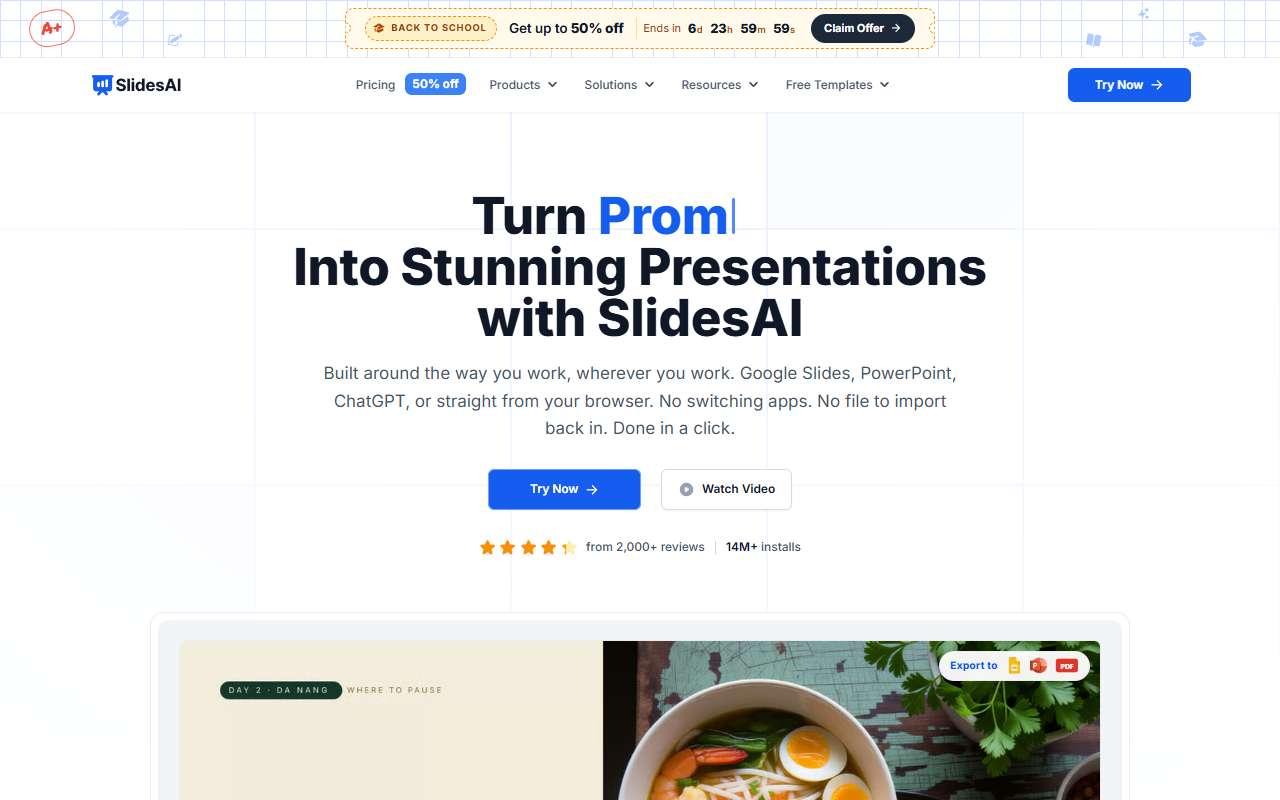
SlidesAI website
Homepage, captured October 2026

Overview

What it does.

SlidesAI is a text-to-presentation add-on for Google Slides, with PowerPoint support, aimed at people who need a quick deck from notes. Users paste text or a topic, choose a number of slides and a theme, and the add-on creates titled slides with bullet points, speaker notes, and optional stock or AI images. Paid plans raise the character and presentation limits, allow document uploads, and unlock more themes and export formats. Teachers, trainers, and small business owners use it for internal updates, workshops, and simple sales decks. It is cheaper than most alternatives and works within Google Workspace sharing. The free plan allows 12 presentations a year with a short input limit. A caveat is that designs are basic and formulaic, so client-facing decks usually need manual polish, and very long inputs are truncated by the character caps.

Pricing
Free plan with 12 presentations per year; Pro about $12/month or $10/month billed annually ($120/year); Premium about $25/month or $20.83/month billed annually ($250/year) (Oct 2026).
Works with
Google SlidesMicrosoft PowerPointGoogle WorkspaceGoogle Drive
Features
Document uploadExport optionsImage generationIntegrationsTemplates
Checked
October 2026

Fit

Where it fitsbest.

Open top use case
Use caseFitEffortRisk
  • Presentation creation

    Fast internal and training decks from pasted notes.

    1 week to value · Low effort · Low risk · low

    74Review
    LowLow
  • Training content

    Converting written procedures into slide-based lessons.

    2-4 weeks to value · Medium effort · Medium risk · low

    66Review
    MediumMedium

Verdict

Who it suits.Who it doesn’t.

Best for

  • Budget users on Google Slides who need serviceable internal decks from text quickly.
  • Fast internal and training decks from pasted notes.
  • Converting written procedures into slide-based lessons.

Not ideal for

  • High-stakes client or investor decks that need strong visual design.
  • Formulaic layouts and character limits.
  • No assessment features.

Pays back on

Relatedopportunities.

Run the audit
  • 01Create training content
  • 02Generate first-draft proposals
  • 03Improve onboarding documentation
  • 04Improve employee learning and enablement

Compare

Alternatives.

All presentations tools
ToolCategoryPricingScore
  • Gamma logo

    Gamma

    AI presentation and document creator for polished visual storytelling.

    PresentationsFreemium
    80
  • Beautiful.ai logo

    Beautiful.ai

    Presentation software with AI-assisted layouts and design automation.

    PresentationsPaid
    58
  • Plus AI logo

    Plus AI

    AI add-on for Google Slides and PowerPoint that drafts, rewrites, and reformats decks inside the tools you already use.

    PresentationsPaid
    60

Not paid placement. Verified means the listing passed our current editorial checks; it does not guarantee fit for every workflow.