
Fireflies.ai
AI meeting assistant for recording, transcription, summaries, and search.
MeetingsFreemium

Meeting notes tool producing structured summaries, action items, and automations for video and in-person meetings.
Overview
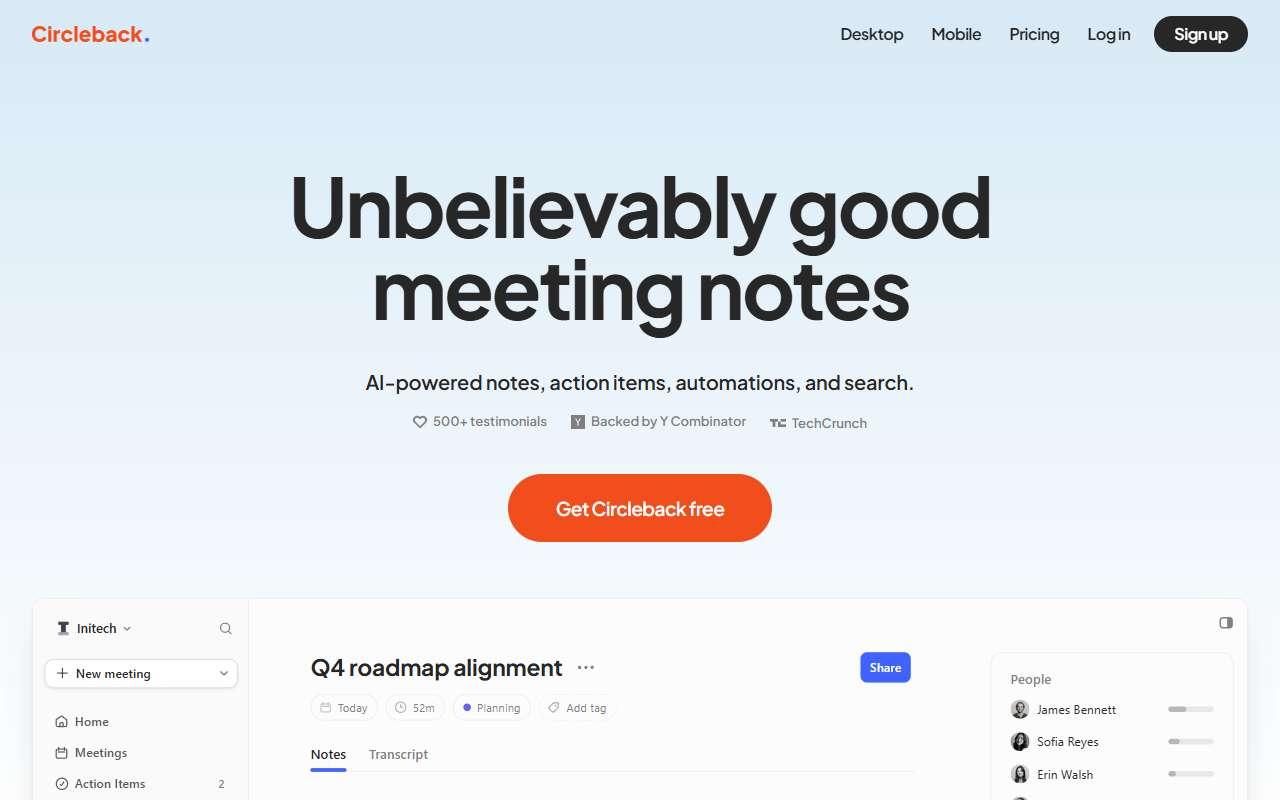
Circleback records meetings on Zoom, Google Meet, Microsoft Teams, Slack huddles, and in-person conversations through its desktop and mobile apps, then writes structured notes with decisions, action items, and a transcript. Its automations can push outcomes to other tools after every meeting, for example creating tasks in Notion or Linear, updating HubSpot or Salesforce records, or sending a Slack message, and a search feature answers questions across past meetings. It is popular with founders, consultants, and small product teams who want clean notes without heavy sales analytics. A desktop app can record without a bot joining the call. The recently added free plan allows a trial with a 30-day history window. Integrations also include Google Calendar, Outlook, Zapier, and a public API. One caveat: notes are generated after the meeting rather than live, and workspace-wide sharing and automations are limited on the lower tiers, so a team that wants shared memory needs the Business plan.
Meeting summaries
Clean decisions and action items emailed after every meeting with minimal setup.
1 week to value · Low effort · Low risk · low
Audio transcription
Transcripts of both video calls and in-person conversations from a phone.
1 week to value · Low effort · Medium risk · low
CRM update automation
Updating HubSpot or Salesforce with meeting outcomes through post-meeting automations.
2-5 weeks to value · Medium effort · Medium risk · low
Verdict
Pays back on
Compare
AI meeting assistant for recording, transcription, summaries, and search.
AI meeting recorder for summaries, highlights, and follow-up notes.
AI meeting notebook that turns personal notes and transcripts into polished summaries.

Meeting notetaker that joins Zoom, Meet, and Teams calls and extends summaries to email and chat.
Not paid placement. Verified means the listing passed our current editorial checks; it does not guarantee fit for every workflow.