SeekSmart
ToolsUse casesIndustriesPlaybooksAI auditResources
Sign inStart audit

Find where AI pays back before you buy.

Start the free audit

Rules-based audits, researched tools, and pilot plans for small businesses.

ExploreToolsUse casesIndustriesCategoriesPlaybooks
DecideAI auditOpportunitiesMethodologyResourcesArticles
CompanySubmit a toolFeedbackPrivacyTerms

SeekSmart

© 2026 SeekSmartClear decisions before new software.
Tools/Developer tools
JetBrains AI Assistant logo

JetBrains AI Assistant.

AI chat, completion and the Junie coding agent built into IntelliJ, PyCharm, WebStorm and other JetBrains IDEs.

FreemiumFree planby JetBrains s.r.o.
Visit website
Compare
73Avg fit

Best fit

Code generation

84/100

Category
Developer tools
Pricing
Freemium, from $10/mo
Popularity
78/100
Setup
Moderate
Listing
Needs verification
jetbrains.com
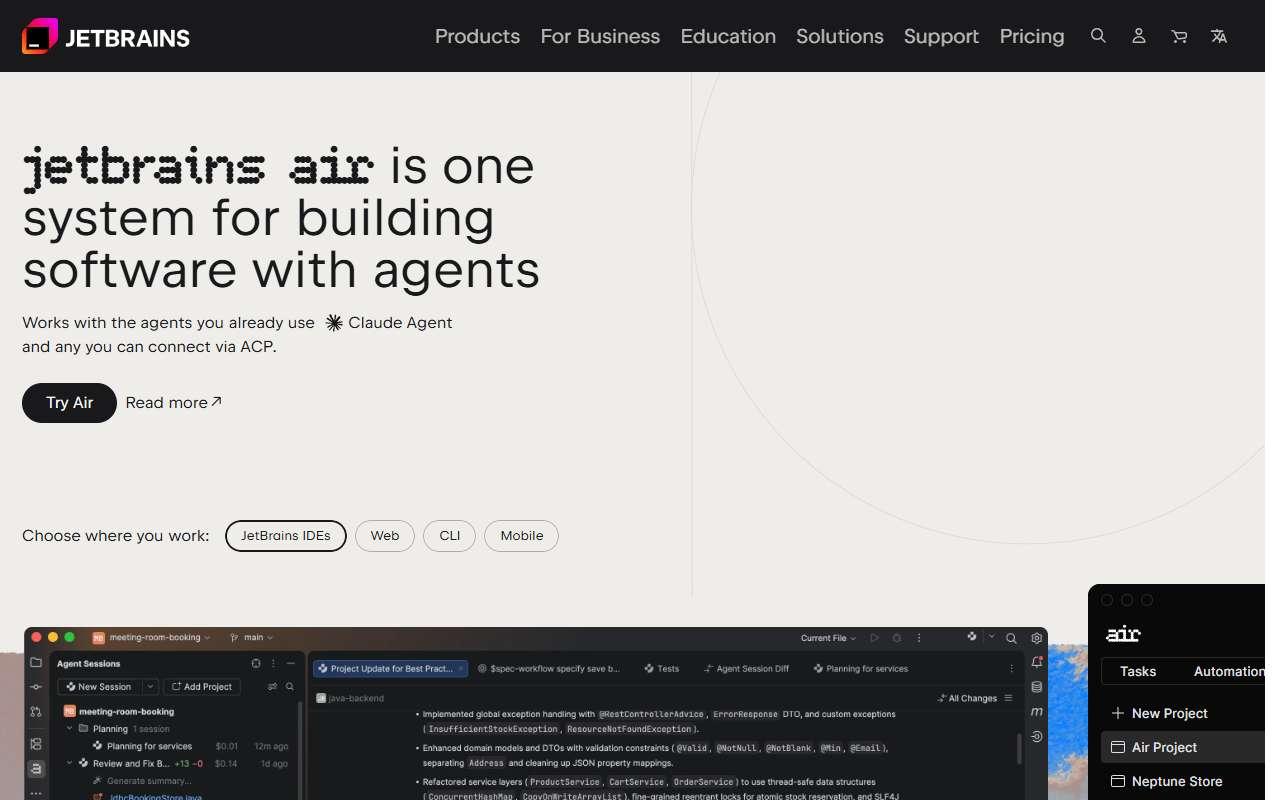
JetBrains AI Assistant website
Homepage, captured October 2026

Overview

What it does.

JetBrains AI Assistant adds cloud-model chat, multi-line code completion, commit message generation, test generation and refactoring suggestions directly inside JetBrains IDEs such as IntelliJ IDEA, PyCharm, WebStorm, GoLand and Rider. The same subscription covers Junie, an agent that takes a task description, edits multiple files, runs tests and reports back inside the IDE. The free tier gives unlimited local completion plus a small cloud credit allowance, and paid tiers raise the credit quota and unlock frontier models from OpenAI, Anthropic and Google; local models through Ollama or LM Studio are also supported. It suits small software teams that already pay for JetBrains IDEs and want an assistant that understands project structure, build systems and run configurations without switching editors. A pilot is turning on AI Pro for two developers for a month and watching credit consumption. Caveat: quotas are expressed as credits mapped to model usage, and heavy agent use on Junie can exhaust a monthly quota well before month end, after which features degrade or require top-ups.

Pricing
AI Free tier included in JetBrains IDEs; AI Pro $10/month for individuals (about $20/seat/month for organisations); AI Ultimate $30/month individuals ($60/seat organisations); credit-based quotas; AI Enterprise custom (Oct 2026, third-party trackers).
Works with
IntelliJ IDEAPyCharmWebStormGitHubGitLabOllamaOpenAIAnthropic
Features
Agentic codingChat interfaceCode completionCodebase automationRepo awareness
Checked
October 2026

Fit

Where it fitsbest.

Open top use case
Use caseFitEffortRisk
  • Code generation

    In-IDE completion, test generation and explanations that use the IDE project model for context.

    1-3 weeks to value · Medium effort · Medium risk · low

    84Strong
    MediumMedium
  • Software engineering agents

    Delegating bounded tasks to Junie inside the IDE with tests run automatically.

    2-4 weeks to value · Medium effort · Medium risk · low

    74Review
    MediumMedium
  • Code review

    Explaining diffs and generating commit messages before pushing.

    2-4 weeks to value · Medium effort · Medium risk · low

    60Review
    MediumMedium

Verdict

Who it suits.Who it doesn’t.

Best for

  • Teams standardised on JetBrains IDEs who want AI features without changing their editor or workflow.
  • In-IDE completion, test generation and explanations that use the IDE project model for context.
  • Explaining diffs and generating commit messages before pushing.
  • Delegating bounded tasks to Junie inside the IDE with tests run automatically.

Not ideal for

  • VS Code users or teams that need an editor-agnostic assistant.
  • Cloud credits are limited on lower tiers.
  • No automated PR review on the hosting platform.
  • Junie is slower and more credit-hungry than inline completion.

Pays back on

Relatedopportunities.

Run the audit
  • 01Speed up code scaffolding
  • 02Delegate scoped software engineering work
  • 03Improve code review preparation
  • 04Prototype apps and internal tools faster
  • 05Reduce code security review bottlenecks

Compare

Alternatives.

All developer tools tools
ToolCategoryPricingScore
  • Cursor logo

    Cursor

    AI code editor for pair programming, refactoring, and codebase navigation.

    Developer toolsFreemium

    91
  • GitHub Copilot logo

    GitHub Copilot

    AI coding assistant for suggestions, chat, and developer workflows.

    Developer toolsPaid
    88
  • Tabnine logo

    Tabnine

    AI code assistant focused on code completion and team development.

    Developer toolsFreemium
    62
  • Augment Code logo

    Augment Code

    AI coding agent with a context engine indexed on large codebases, available in VS Code, JetBrains IDEs and a CLI.

    Developer toolsPaid
    64

Not paid placement. Verified means the listing passed our current editorial checks; it does not guarantee fit for every workflow.