SeekSmart
ToolsUse casesIndustriesPlaybooksAI auditResources
Sign inStart audit

Find where AI pays back before you buy.

Start the free audit

Rules-based audits, researched tools, and pilot plans for small businesses.

ExploreToolsUse casesIndustriesCategoriesPlaybooks
DecideAI auditOpportunitiesMethodologyResourcesArticles
CompanySubmit a toolFeedbackPrivacyTerms

SeekSmart

© 2026 SeekSmartClear decisions before new software.
Tools/Video
Kapwing logo

Kapwing.

Collaborative online video editor with AI subtitles, dubbing, repurposing, and brand templates.

FreemiumFree planby Kapwing
Visit website
Compare
77Avg fit

Best fit

Social media content

84/100

Category
Video
Pricing
Freemium, from $24/mo
Popularity
72/100
Setup
Moderate
Listing
Needs verification
kapwing.com
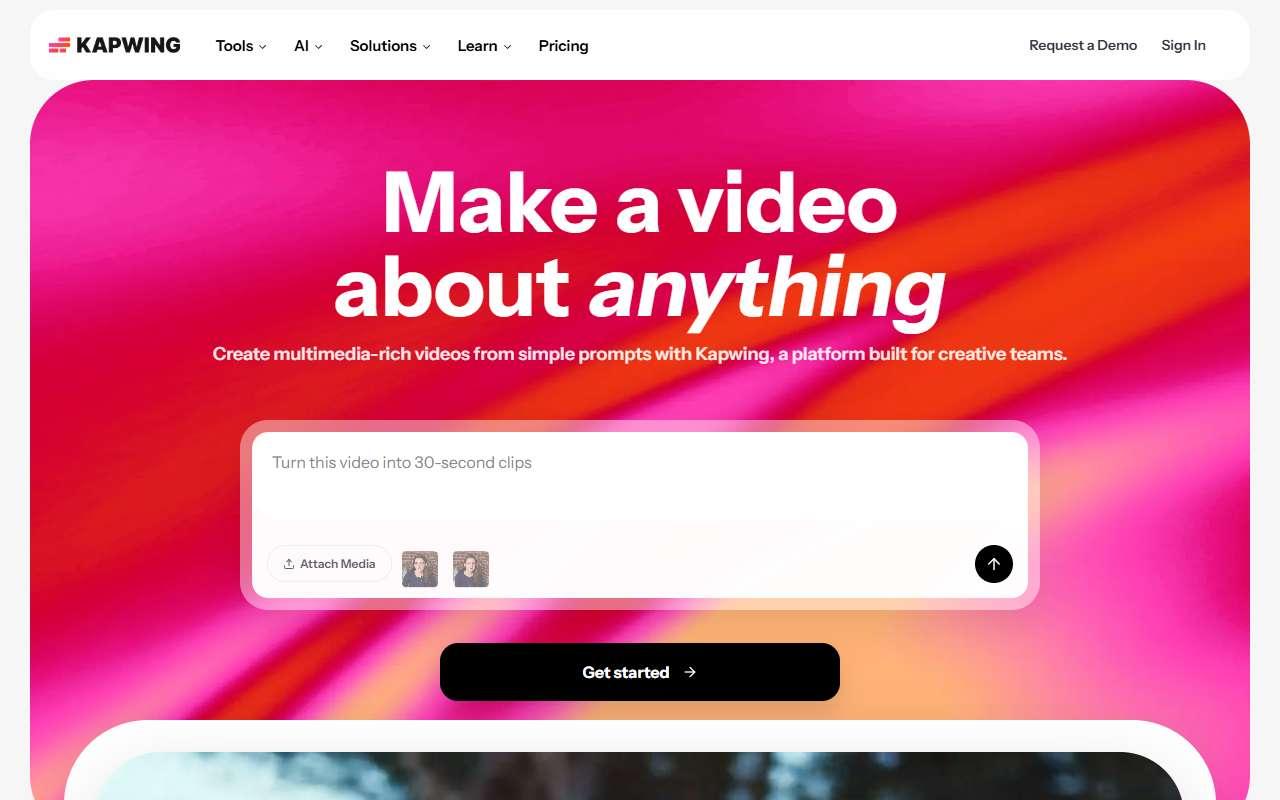
Kapwing website
Homepage, captured October 2026

Overview

What it does.

Kapwing is a browser-based editor built for teams. It offers a multi-track timeline, automatic subtitles, translation and AI dubbing, a repurposing tool that converts long videos into clips, background removal, text-to-speech, and a brand kit with custom fonts. Projects live in shared workspaces where colleagues can comment and edit, which suits small marketing teams coordinating with freelancers. Small businesses use it for social ads, meme-style content, subtitled explainers, and resized versions of one video for several platforms. It imports from Google Drive, YouTube links, and Zoom, and publishes to YouTube, TikTok, and Instagram. The free plan watermarks exports and limits video length to a few minutes; Pro removes the watermark, raises upload size to 6 GB, and enables 4K export. AI features such as dubbing and voice cloning are credit-metered, and the browser editor can slow down on long high-resolution projects.

Pricing
Free plan with watermark; Pro $24/month ($16/month billed yearly); Business $64/month ($50/month billed yearly); Enterprise custom (Oct 2026).
Works with
YouTubeTikTokInstagramGoogle DriveZoomSlackCanva
Features
Brand kitDubbingTeam workspaceTemplatesTranscriptionTranslationVideo editing
Checked
October 2026

Fit

Where it fitsbest.

Open top use case
Use caseFitEffortRisk
  • Social media content

    Resizing and subtitling one video for several social channels with team review.

    1-2 weeks to value · Low effort · Medium risk · low

    84Strong
    LowMedium
  • Video localization

    Translated subtitles and basic AI dubbing for short marketing videos.

    2-5 weeks to value · Medium effort · Medium risk · low

    70Review
    MediumMedium

Verdict

Who it suits.Who it doesn’t.

Best for

  • Small teams that need shared projects and quick subtitles, resizing, and dubbing in a browser.
  • Resizing and subtitling one video for several social channels with team review.
  • Translated subtitles and basic AI dubbing for short marketing videos.

Not ideal for

  • Solo editors wanting a desktop-grade timeline or offline work.
  • Free exports are watermarked and length-limited.
  • Dubbing credits run out quickly on the Pro plan.

Pays back on

Relatedopportunities.

Run the audit
  • 01Build a content repurposing engine
  • 02Generate governed brand content
  • 03Localize content and training assets

Compare

Alternatives.

All video tools
ToolCategoryPricingScore
  • Canva logo

    Canva

    Design platform with AI-assisted image, copy, and presentation tools.

    DesignFreemium

    89
  • Descript logo

    Descript

    AI-powered video and podcast editor with transcription-first workflows.

    VideoFreemium
    81
  • CapCut logo

    CapCut

    Free-to-start video editor with AI captions, templates, and background removal for social clips.

    VideoFreemium
    92
  • VEED logo

    VEED

    Browser video editor with auto subtitles, AI avatars, text-to-speech, and screen recording.

    VideoFreemium
    80

Not paid placement. Verified means the listing passed our current editorial checks; it does not guarantee fit for every workflow.