
Canva
Design platform with AI-assisted image, copy, and presentation tools.
DesignFreemium

Turns pasted text into editable diagrams, flowcharts, and infographics for decks, docs, and posts.
Overview
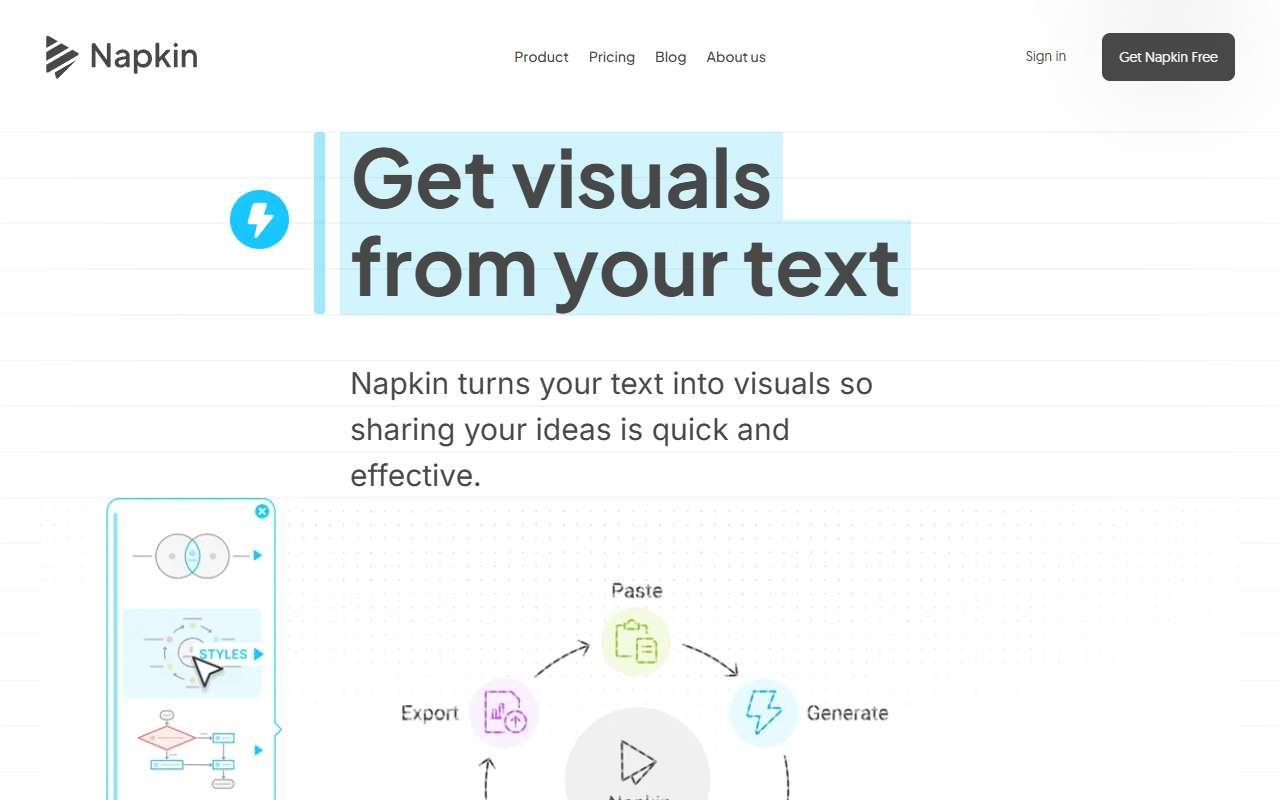
Napkin AI generates visuals from text. A user pastes a paragraph, a list, or a process description and Napkin proposes several diagram types such as flowcharts, timelines, comparison tables, funnels, and icon grids, each editable with brand colors, fonts, and icon styles. Visuals export as PNG, SVG, PDF, or PPT slides, and paid plans remove the Napkin watermark and add multiple brand styles and team management. It is used by founders, consultants, and marketers who need a clean graphic to explain a process, pricing, or plan without opening a design tool. For a small business it fits in proposals, onboarding guides, LinkedIn posts, and investor updates. The free tier is enough to test but every image carries branding. A caveat is that complex or highly specific diagrams often need manual rearranging, and the tool works from text only, not from data files.
Design assets
Process diagrams and infographics for proposals and guides.
1-2 weeks to value · Low effort · Medium risk · low
Presentation creation
Illustrating slides with editable diagrams exported to PPT.
1 week to value · Low effort · Low risk · low
Social media content
Visual explainer posts for LinkedIn.
1-2 weeks to value · Low effort · Medium risk · low
Verdict
Pays back on
Compare
Design platform with AI-assisted image, copy, and presentation tools.
AI presentation and document creator for polished visual storytelling.
Infographic, report, and presentation maker with AI generation of infographics and visuals from text or documents.
Not paid placement. Verified means the listing passed our current editorial checks; it does not guarantee fit for every workflow.