SeekSmart
ToolsUse casesIndustriesPlaybooksAI auditResources
Sign inStart audit

Find where AI pays back before you buy.

Start the free audit

Rules-based audits, researched tools, and pilot plans for small businesses.

ExploreToolsUse casesIndustriesCategoriesPlaybooks
DecideAI auditOpportunitiesMethodologyResourcesArticles
CompanySubmit a toolFeedbackPrivacyTerms

SeekSmart

© 2026 SeekSmartClear decisions before new software.
Tools/Design
PI

Piktochart.

Infographic, report, and presentation maker with AI generation of infographics and visuals from text or documents.
FreemiumFree planby Piktochart
Visit website
Compare
67Avg fit

Best fit

Design assets

78/100

Category
Design
Pricing
Freemium, from $15/mo
Popularity
62/100
Setup
Low
Listing
Needs verification
piktochart.com
Piktochart website
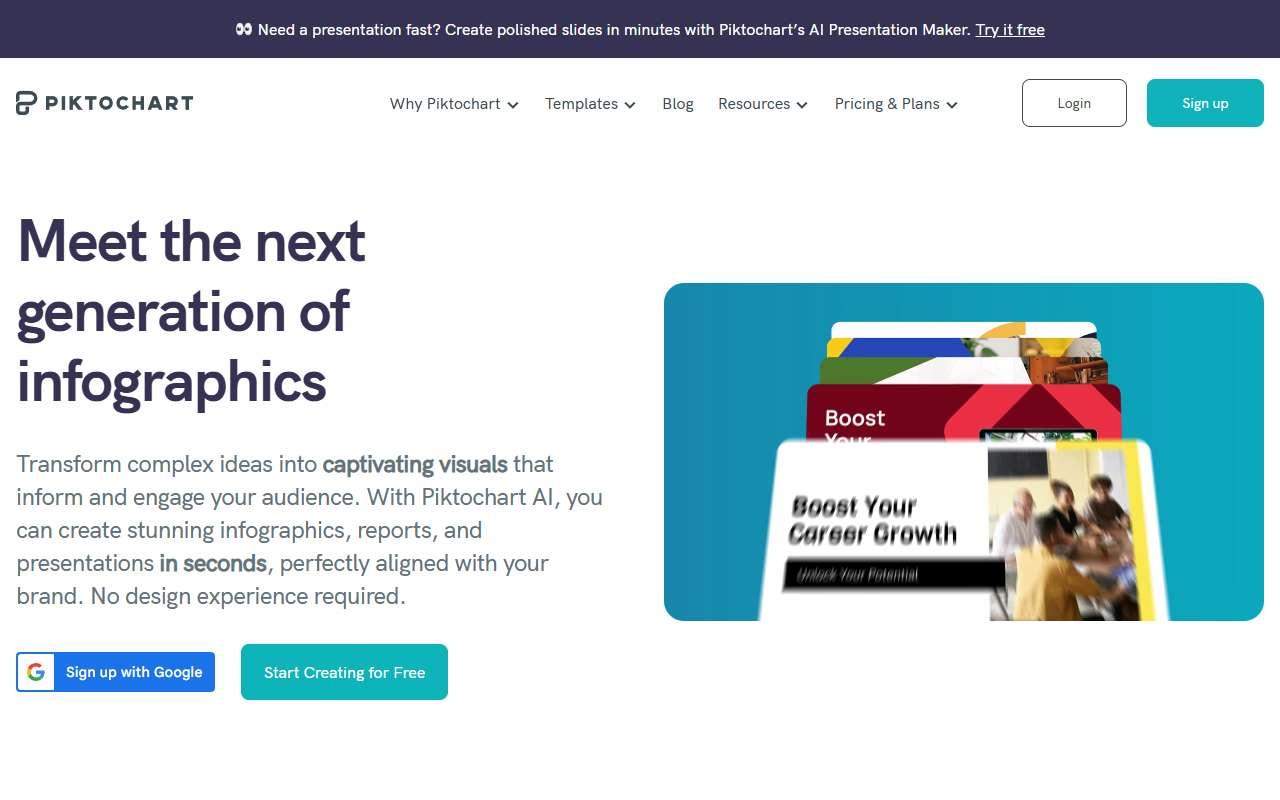
Homepage, captured October 2026

Overview

What it does.

Piktochart is a web editor for infographics, reports, posters, flyers, and presentations, with a drag-and-drop interface and a large template library. Its AI features generate an infographic from a prompt, a summary, or an uploaded document, create images, and suggest layouts, while the chart tools import data from Excel and Google Sheets to produce bar, line, and map visualizations. Brand kits, team folders, and comment-based collaboration are on paid tiers, and exports cover PNG, PDF, and PowerPoint. Nonprofits, agencies, and small companies use it to turn survey results, annual summaries, and how-to content into shareable visuals. It is self-serve with a free plan that is adequate for light use but adds a watermark and limits downloads. A caveat is that AI credits on Pro are capped at 500 per month and the generated layouts tend toward a similar look, so heavy users should budget editing time.

Pricing
Free plan with 60 AI credits and limited downloads; Pro $15/month or $10/member/month annual with 500 AI credits; Business $20/month or $17/member/month annual (Oct 2026).
Works with
Google SheetsMicrosoft ExcelGoogle DriveDropboxMicrosoft PowerPointYouTube
Features
Brand kitDocument uploadExport optionsImage generationTeam workspaceTemplates
Checked
October 2026

Fit

Where it fitsbest.

Open top use case
Use caseFitEffortRisk
  • Design assets

    Infographics, one-pagers, and posters from templates and data.

    1-2 weeks to value · Low effort · Medium risk · low

    78Strong
    LowMedium
  • Executive reporting

    Visual monthly summaries for owners, partners, or lenders.

    1-3 weeks to value · Low effort · Medium risk · low

    64Review
    LowMedium
  • Presentation creation

    Visual-heavy decks exported to PowerPoint.

    1 week to value · Low effort · Low risk · low

    60Review
    LowLow

Verdict

Who it suits.Who it doesn’t.

Best for

  • Small teams that regularly publish data-backed infographics, one-page reports, or printable visuals.
  • Infographics, one-pagers, and posters from templates and data.
  • Visual monthly summaries for owners, partners, or lenders.
  • Visual-heavy decks exported to PowerPoint.

Not ideal for

  • UI design, product packaging, or users who mainly need social post templates.
  • AI credit caps and similar-looking outputs.
  • Charts are static and must be refreshed manually.
  • Less deck-specific AI than Gamma or Beautiful.ai.

Pays back on

Relatedopportunities.

Run the audit
  • 01Repurpose content across channels
  • 02Prototype apps and internal tools faster
  • 03Draft listing and property content
  • 04Create executive BI narratives
  • 05Create finance planning narratives
  • 06Improve workforce planning with talent intelligence

Compare

Alternatives.

All design tools
ToolCategoryPricingScore
  • Canva logo

    Canva

    Design platform with AI-assisted image, copy, and presentation tools.

    DesignFreemium
    89
  • Beautiful.ai logo

    Beautiful.ai

    Presentation software with AI-assisted layouts and design automation.

    PresentationsPaid
    58
  • Napkin AI logo

    Napkin AI

    Turns pasted text into editable diagrams, flowcharts, and infographics for decks, docs, and posts.

    DesignFreemium
    63

Not paid placement. Verified means the listing passed our current editorial checks; it does not guarantee fit for every workflow.