SeekSmart
ToolsUse casesIndustriesPlaybooksAI auditResources
Sign inStart audit

Find where AI pays back before you buy.

Start the free audit

Rules-based audits, researched tools, and pilot plans for small businesses.

ExploreToolsUse casesIndustriesCategoriesPlaybooks
DecideAI auditOpportunitiesMethodologyResourcesArticles
CompanySubmit a toolFeedbackPrivacyTerms

SeekSmart

© 2026 SeekSmartClear decisions before new software.
Tools/Video
Pictory logo

Pictory.

Converts blog posts, scripts, and long videos into narrated short videos with stock footage and captions.

Paidby Pictory
Visit website
Compare
78Avg fit

Best fit

Video generation

80/100

Category
Video
Pricing
Paid, from $29/mo
Popularity
64/100
Setup
Moderate
Listing
Needs verification
pictory.ai
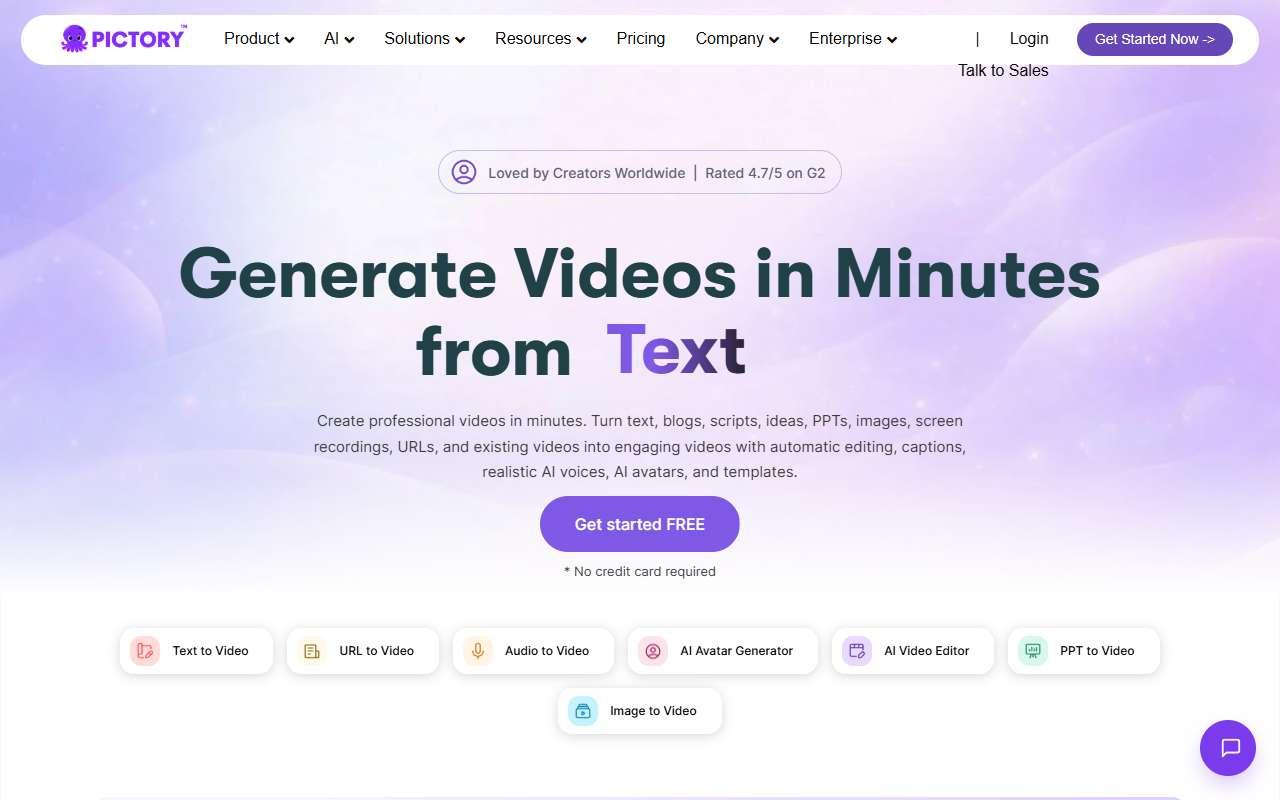
Pictory website
Homepage, captured October 2026

Overview

What it does.

Pictory turns written and recorded content into short videos. Its main modes are script to video, article to video from a URL, visuals to video from images, and edit video by text, which lets users trim a long recording by deleting words from the transcript. The tool picks matching stock clips, adds AI voiceover and captions, and renders in square, vertical, or landscape formats. Small businesses use it to recycle blog articles and webinars into social posts and YouTube summaries, and to add captions to recorded talks. It includes a brand kit, a Getty Images library on higher plans, ElevenLabs voices, and a Zapier connector plus an API for automated article-to-video pipelines. Starter allows 200 video minutes per month at 1080p. Results depend heavily on stock footage matching, so niche or technical topics may need manual clip swaps, and annual plans are not refundable.

Pricing
Free trial only; Starter $29/month (200 video minutes); Professional $59/month; Team $199/month; Enterprise custom (Oct 2026).
Works with
Getty ImagesElevenLabsZapierYouTubeGoogle DriveHootsuite
Features
API accessBrand kitTemplatesText to speechTranscriptionVideo editing
Checked
October 2026

Fit

Where it fitsbest.

Open top use case
Use caseFitEffortRisk
  • Video generation

    Automatic article-to-video and script-to-video for blog recycling.

    2-4 weeks to value · Medium effort · Medium risk · moderate

    80Strong
    MediumMedium
  • Social media content

    Captioned highlight clips from webinars and talks.

    1-2 weeks to value · Low effort · Medium risk · moderate

    76Strong
    LowMedium

Verdict

Who it suits.Who it doesn’t.

Best for

  • Content marketers who want to repurpose written articles and webinars into videos without filming.
  • Captioned highlight clips from webinars and talks.
  • Automatic article-to-video and script-to-video for blog recycling.

Not ideal for

  • Brands that need custom footage, animation, or precise manual editing.
  • Edit-by-text works best on clear single-speaker audio.
  • Stock footage choices can miss the mark on niche topics.

Pays back on

Relatedopportunities.

Run the audit
  • 01Build a content repurposing engine
  • 02Generate governed brand content
  • 03Create training content
  • 04Repurpose content across channels

Compare

Alternatives.

All video tools
ToolCategoryPricingScore
  • Descript logo

    Descript

    AI-powered video and podcast editor with transcription-first workflows.

    VideoFreemium
    81
  • VEED logo

    VEED

    Browser video editor with auto subtitles, AI avatars, text-to-speech, and screen recording.

    VideoFreemium
    80
  • InVideo AI logo

    InVideo AI

    Generates complete narrated videos from a text prompt using stock footage, AI voices, and scripts.

    VideoFreemium
    76

Not paid placement. Verified means the listing passed our current editorial checks; it does not guarantee fit for every workflow.