SeekSmart
ToolsUse casesIndustriesPlaybooksAI auditResources
Sign inStart audit

Find where AI pays back before you buy.

Start the free audit

Rules-based audits, researched tools, and pilot plans for small businesses.

ExploreToolsUse casesIndustriesCategoriesPlaybooks
DecideAI auditOpportunitiesMethodologyResourcesArticles
CompanySubmit a toolFeedbackPrivacyTerms

SeekSmart

© 2026 SeekSmartClear decisions before new software.
Tools/Writing
ProWritingAid logo

ProWritingAid.

Grammar and style editor with 20+ reports on readability, repetition, and pacing, plus AI rephrase and critique tools.

FreemiumFree planby Orpheus Technology
Visit website
Compare
68Avg fit

Best fit

Writing assistant

80/100

Category
Writing
Pricing
Freemium, from $30/mo
Popularity
66/100
Setup
Moderate
Listing
Needs verification
prowritingaid.com
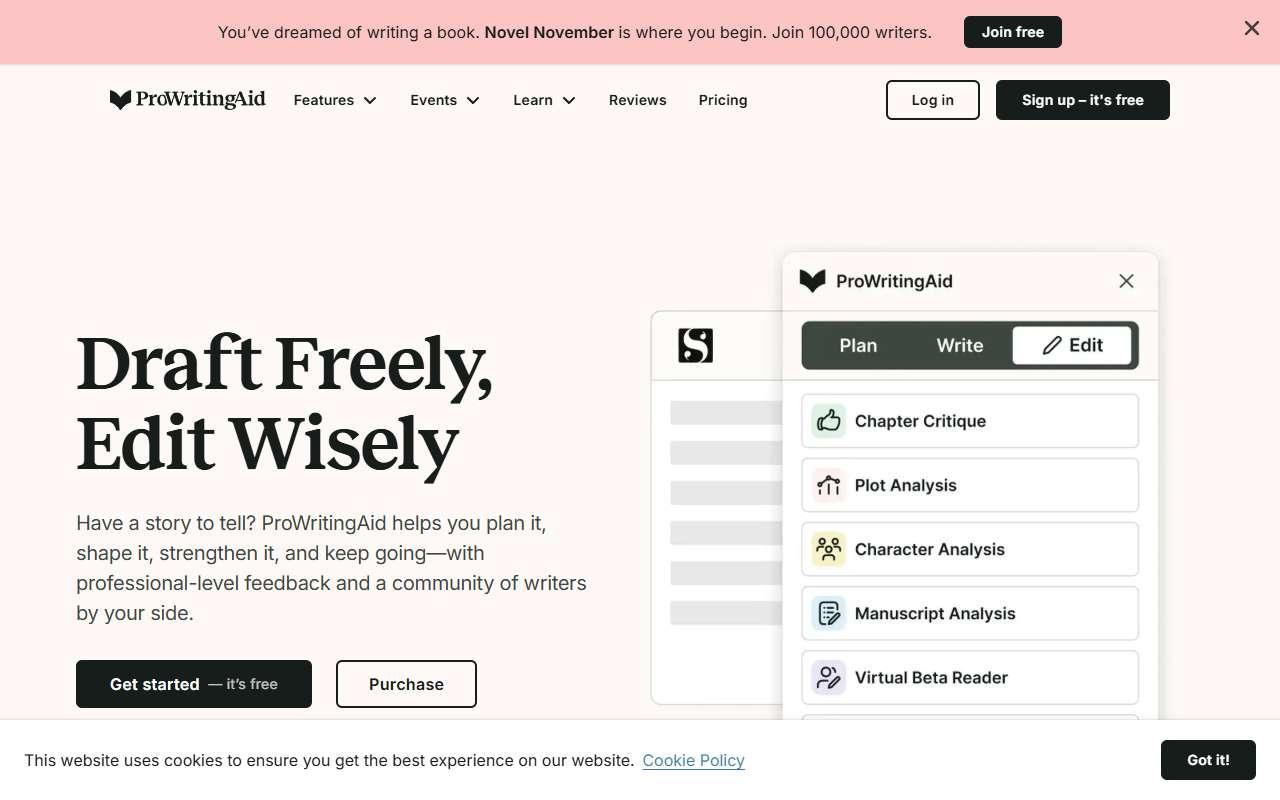
ProWritingAid website
Homepage, captured October 2026

Overview

What it does.

ProWritingAid is an editing tool that analyzes a document and returns reports on grammar, style, readability, sentence length variation, overused words, passive voice, and consistency. Paid tiers add AI features such as Rephrase, Sparks for generating continuations, and Critique, which gives structured feedback on a chapter or document. It integrates with Microsoft Word, Google Docs, Scrivener, Atticus, and browsers through a Chrome and Edge extension, and has desktop apps for Windows and macOS. Small businesses use it to edit longer material such as proposals, help center articles, grant applications, and newsletters where a one-pass grammar check is not enough. The free plan limits analysis to 500 words per document, so most real documents need Premium. One caveat is that the report-heavy interface takes time to learn and can over-flag stylistic choices, so writers should treat suggestions as prompts rather than rules.

Pricing
Free plan capped at 500 words per document; Premium $30/month or $120/year; Premium Pro $36/month or $144/year; lifetime licenses from $399 (Oct 2026).
Works with
Microsoft WordGoogle DocsGoogle ChromeMicrosoft EdgeScrivenerAtticusMicrosoft Outlook
Features
Browser extensionDocument uploadExport optionsIntegrationsTemplates
Checked
October 2026

Fit

Where it fitsbest.

Open top use case
Use caseFitEffortRisk
  • Writing assistant

    Editing proposals, help articles, and newsletters for clarity and consistency.

    1 week to value · Low effort · Low risk · low

    80Strong
    LowLow
  • Training content

    Making internal guides and SOPs readable for new staff.

    2-4 weeks to value · Medium effort · Medium risk · low

    66Review
    MediumMedium
  • Copywriting

    Catching repetition and weak phrasing in landing page copy.

    1-2 weeks to value · Low effort · Medium risk · low

    58Review
    LowMedium

Verdict

Who it suits.Who it doesn’t.

Best for

  • Owners and marketers who write long documents and want detailed style and readability feedback, not just typo fixes.
  • Catching repetition and weak phrasing in landing page copy.
  • Making internal guides and SOPs readable for new staff.
  • Editing proposals, help articles, and newsletters for clarity and consistency.

Not ideal for

  • Quick email or chat writing, or teams that mainly need short-form generation rather than editing.
  • It does not generate campaign copy or track conversions.
  • No course structure or learning management features.
  • Free plan is too small for real documents; interface is dense.

Pays back on

Relatedopportunities.

Run the audit
  • 01Draft listing and property content
  • 02Draft product descriptions faster
  • 03Repurpose content across channels
  • 04Improve local review responses
  • 05Generate governed brand content
  • 06Build a content repurposing engine

Compare

Alternatives.

All writing tools
ToolCategoryPricingScore
  • Grammarly logo

    Grammarly

    AI writing assistant for grammar, tone, clarity, and rewrites.

    WritingFreemium

    86
  • QuillBot logo

    QuillBot

    Paraphrasing, grammar, summarizing, and translation toolkit with a browser extension and Word and Docs add-ins.

    WritingFreemium
    78
  • Hemingway Editor Plus logo

    Hemingway Editor Plus

    Readability editor that highlights hard sentences and passive voice, with paid AI rewrites that simplify text.

    WritingFreemium
    62

Not paid placement. Verified means the listing passed our current editorial checks; it does not guarantee fit for every workflow.