SeekSmart
ToolsUse casesIndustriesPlaybooksAI auditResources
Sign inStart audit

Find where AI pays back before you buy.

Start the free audit

Rules-based audits, researched tools, and pilot plans for small businesses.

ExploreToolsUse casesIndustriesCategoriesPlaybooks
DecideAI auditOpportunitiesMethodologyResourcesArticles
CompanySubmit a toolFeedbackPrivacyTerms

SeekSmart

© 2026 SeekSmartClear decisions before new software.
Tools/Productivity
Raycast logo

Raycast.

Desktop launcher for Mac, Windows, and iOS with built-in AI chat, commands, and extensions for everyday apps.

FreemiumFree planby Raycast
Visit website
Compare
62Avg fit

Best fit

General assistant

72/100

Category
Productivity
Pricing
Freemium, from $10/mo
Popularity
62/100
Setup
Moderate
Listing
Needs verification
raycast.com
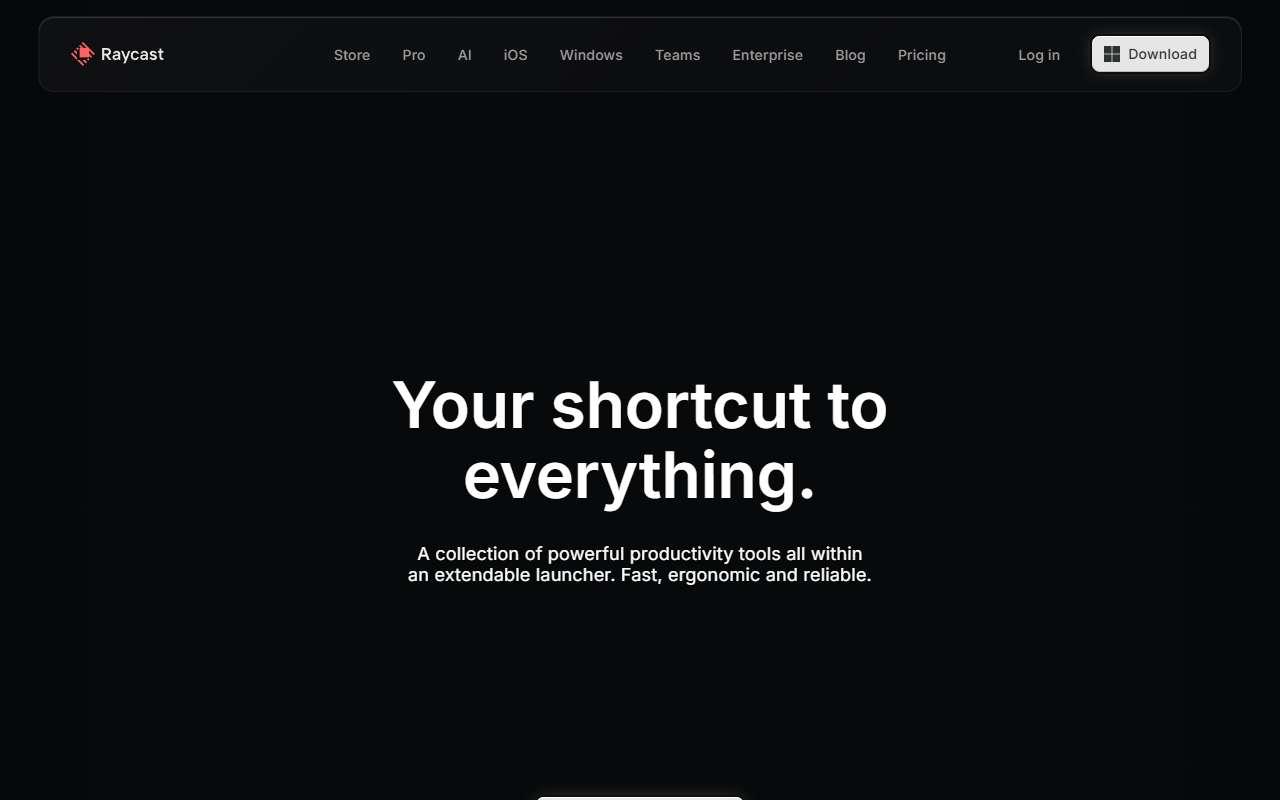
Raycast website
Homepage, captured October 2026

Overview

What it does.

Raycast is a keyboard launcher that replaces the system search bar with a command palette for opening apps, running scripts, managing windows, clipboard history, and snippets. Paid plans add Raycast AI: a chat window and quick-AI commands that can rewrite text, summarize, translate, and answer questions using a choice of models from OpenAI, Anthropic, Google, and others, with usage measured in monthly credits. Its extension store connects to Slack, Notion, Linear, GitHub, Google Calendar, Jira, Zoom, and hundreds of other tools, so a user can create a task or search docs without leaving the keyboard. It originated on macOS and now ships on Windows and iOS. Small teams use it mainly as a personal productivity layer, with Teams plans adding shared snippets and quicklinks. The caveat is that it rewards keyboard-heavy users; staff who prefer clicking through apps may not see enough value to justify a subscription.

Pricing
Free plan without AI; Pro $10/month ($8 annual) with 500 AI credits; Plus $20/month; Max $50/month; Teams Pro $15/user/month; Enterprise custom (Oct 2026).
Works with
SlackNotionLinearGitHubGoogle CalendarJiraZoom1Password
Features
AI agentsAPI accessChat interfaceIntegrationsTeam workspaceTemplates
Checked
October 2026

Fit

Where it fitsbest.

Open top use case
Use caseFitEffortRisk
  • General assistant

    Quick questions, rewrites, and summaries from any app via a hotkey.

    1-2 weeks to value · Low effort · Medium risk · low

    72Review
    LowMedium
  • Writing assistant

    Fixing grammar, changing tone, or translating selected text anywhere on the desktop.

    1 week to value · Low effort · Low risk · low

    60Review
    LowLow
  • Workflow automation

    Scripted shortcuts and extension commands that chain simple actions across apps.

    2-4 weeks to value · Medium effort · Medium risk · low

    55Review
    MediumMedium

Verdict

Who it suits.Who it doesn’t.

Best for

  • Keyboard-oriented staff who want quick AI actions and app shortcuts available system-wide.
  • Quick questions, rewrites, and summaries from any app via a hotkey.
  • Scripted shortcuts and extension commands that chain simple actions across apps.
  • Fixing grammar, changing tone, or translating selected text anywhere on the desktop.

Not ideal for

  • Teams that need a shared, collaborative AI workspace rather than a personal desktop assistant.
  • AI usage is credit-based and heavy use needs the Plus or Max tier.
  • Automations are local and user-triggered, not server-side workflows.
  • No document-level editing or style guide features.

Pays back on

Relatedopportunities.

Run the audit
  • 01Summarize operational reports
  • 02Draft finance summaries
  • 03Make internal knowledge searchable
  • 04Create an internal answer assistant
  • 05Categorize invoices and receipts
  • 06Build reusable workflow templates

Compare

Alternatives.

All productivity tools
ToolCategoryPricingScore
  • ChatGPT logo

    ChatGPT

    General-purpose AI assistant for writing, analysis, coding, and research.

    ProductivityFreemium

    98
  • Claude logo

    Claude

    AI assistant focused on writing, analysis, reasoning, and long-form work.

    ProductivityFreemium
    94
  • Microsoft 365 Copilot logo

    Microsoft 365 Copilot

    AI assistant embedded across Microsoft 365 apps for documents, email, meetings, and work data.

    ProductivityPaid
    93

Not paid placement. Verified means the listing passed our current editorial checks; it does not guarantee fit for every workflow.