SeekSmart
ToolsUse casesIndustriesPlaybooksAI auditResources
Sign inStart audit

Find where AI pays back before you buy.

Start the free audit

Rules-based audits, researched tools, and pilot plans for small businesses.

ExploreToolsUse casesIndustriesCategoriesPlaybooks
DecideAI auditOpportunitiesMethodologyResourcesArticles
CompanySubmit a toolFeedbackPrivacyTerms

SeekSmart

© 2026 SeekSmartClear decisions before new software.
Tools/Video
VI

Vizard.

AI clipping tool that cuts long videos into social-ready shorts with captions and scheduled posting.
FreemiumFree planby Vizard AI
Visit website
Compare
74Avg fit

Best fit

Social media content

86/100

Category
Video
Pricing
Freemium, from $29/mo
Popularity
62/100
Setup
Low
Listing
Needs verification
vizard.ai
Vizard website
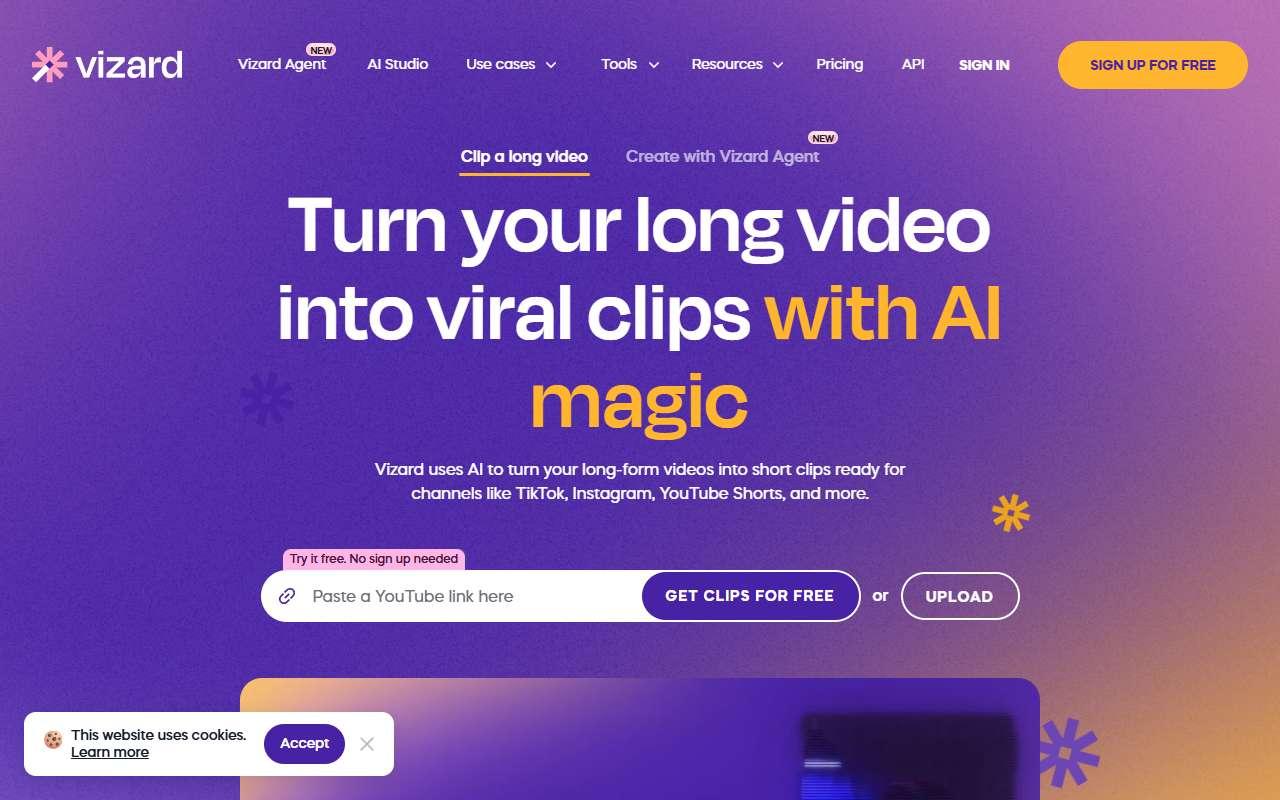
Homepage, captured October 2026

Overview

What it does.

Vizard is a browser-based AI video clipper. Users upload a recording or paste a link, and the tool transcribes it, identifies highlight moments, reframes them to vertical or square, and adds captions, B-roll suggestions, and a virality score. Clips can be edited in a text-based editor and scheduled to multiple social accounts from the same workspace. Small businesses use it to turn recorded webinars, customer interviews, and product walkthroughs into a steady feed of short posts. The Creator plan includes 4K export, no watermark, SRT and TXT transcripts, API access, and the ability to manage several social accounts. It integrates with Zoom and Google Drive for importing recordings and publishes to YouTube, TikTok, Instagram, LinkedIn, and X. The free plan is close to a trial: 720p export, a watermark, and only three days of storage, so real use requires a paid plan.

Pricing
Free plan with 720p watermarked exports; Creator $29/month or $174/year; Business from $234/year (Oct 2026).
Works with
YouTubeTikTokInstagramLinkedInXZoomGoogle Drive
Features
API accessExport optionsIntegrationsTemplatesTranscriptionVideo editing
Checked
October 2026

Fit

Where it fitsbest.

Open top use case
Use caseFitEffortRisk
  • Social media content

    Clipping and scheduling short videos from webinars and interviews in one workflow.

    1-2 weeks to value · Low effort · Medium risk · low

    86Best fit
    LowMedium
  • Audio transcription

    Getting usable transcripts and SRT files as a by-product of clipping.

    1 week to value · Low effort · Medium risk · low

    62Review
    LowMedium

Verdict

Who it suits.Who it doesn’t.

Best for

  • Solo creators and small teams that need clipping plus scheduling in one tool at a lower price than OpusClip.
  • Getting usable transcripts and SRT files as a by-product of clipping.
  • Clipping and scheduling short videos from webinars and interviews in one workflow.

Not ideal for

  • Teams that need deep manual editing, motion graphics, or long-form editing.
  • Transcription is a side feature without speaker-focused editing tools.
  • Free tier storage expires in three days and exports carry a watermark.

Pays back on

Relatedopportunities.

Run the audit
  • 01Summarize sales and client calls
  • 02Create meeting notes and action items
  • 03Build a content repurposing engine
  • 04Generate governed brand content

Compare

Alternatives.

All video tools
ToolCategoryPricingScore
  • Descript logo

    Descript

    AI-powered video and podcast editor with transcription-first workflows.

    VideoFreemium
    81
  • OpusClip logo

    OpusClip

    Turns long videos and podcasts into captioned short clips for TikTok, Reels, and Shorts.

    VideoFreemium
    78
  • Submagic logo

    Submagic

    Adds animated captions, B-roll, zooms, and sound effects to short videos for social platforms.

    VideoFreemium
    66

Not paid placement. Verified means the listing passed our current editorial checks; it does not guarantee fit for every workflow.