SeekSmart
ToolsUse casesIndustriesPlaybooksAI auditResources
Sign inStart audit

Find where AI pays back before you buy.

Start the free audit

Rules-based audits, researched tools, and pilot plans for small businesses.

ExploreToolsUse casesIndustriesCategoriesPlaybooks
DecideAI auditOpportunitiesMethodologyResourcesArticles
CompanySubmit a toolFeedbackPrivacyTerms

SeekSmart

© 2026 SeekSmartClear decisions before new software.
Tools/Knowledge Management
Mem logo

Mem.

AI-first personal notes app that organizes captured notes automatically and answers questions from them.

FreemiumFree planby Mem Labs
Visit website
Compare
63Avg fit

Best fit

Knowledge management

70/100

Category
Knowledge Management
Pricing
Freemium, from $9/mo
Popularity
52/100
Setup
Moderate
Listing
Needs verification
get.mem.ai
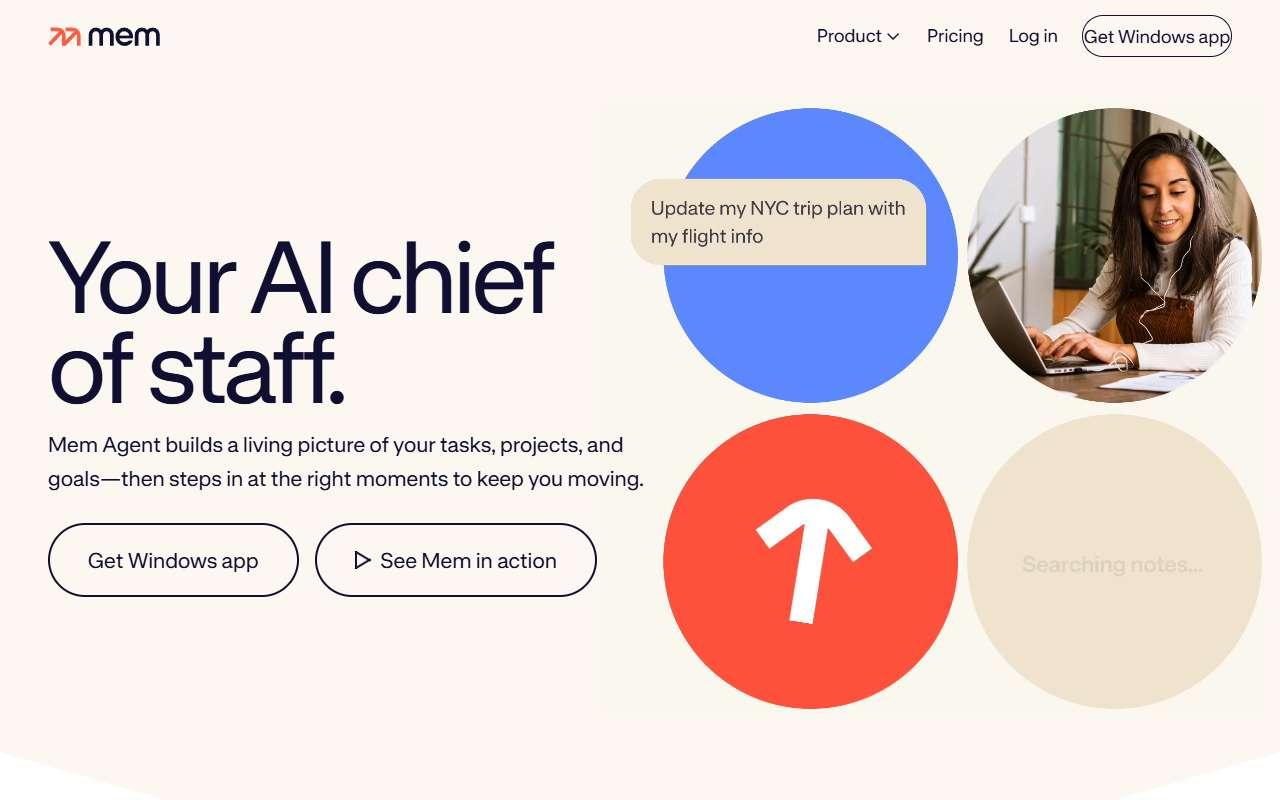
Mem website
Homepage, captured October 2026

Overview

What it does.

Mem is a note-taking app that removes manual folders and tags. Users capture notes, emails, web clippings, and meeting notes, and the app links related items automatically and surfaces them when relevant. Its chat feature answers questions using the user's own notes, drafts documents from them, and creates summaries of a topic across many entries. It connects to Gmail and Google Calendar so that meeting context and email threads appear next to notes, has a browser extension and mobile apps, and accepts content through Zapier. It is aimed at founders, consultants, and knowledge workers who collect a lot of unstructured information, rather than at teams building a shared wiki. Pricing tiers scale by AI usage rather than seats. The caveat is that Mem is primarily a personal tool with limited team sharing and permissions, so a business wanting a company-wide knowledge base should look at Slite, Tettra, or Notion instead.

Pricing
Free plan; Mem Plus $9/month; Mem Pro $29/month with higher AI usage tiers from $49 to $199/month; only monthly prices listed (Oct 2026).
Works with
GmailGoogle CalendarZapier
Features
Browser extensionChat interfaceDocument uploadInternal searchSource grounding
Checked
October 2026

Fit

Where it fitsbest.

Open top use case
Use caseFitEffortRisk
  • Knowledge management

    A personal second brain for client notes, ideas, and meeting follow-ups.

    3-6 weeks to value · Medium effort · Medium risk · low

    70Review
    MediumMedium
  • General assistant

    Drafting emails and documents grounded in your own past notes.

    1-2 weeks to value · Low effort · Medium risk · low

    64Review
    LowMedium
  • Research synthesis

    Pulling together scattered notes on a topic into one summary.

    2-5 weeks to value · Medium effort · Medium risk · low

    56Review
    MediumMedium

Verdict

Who it suits.Who it doesn’t.

Best for

  • Individual owners and consultants who want notes that organize themselves and can be queried like an assistant.
  • Drafting emails and documents grounded in your own past notes.
  • A personal second brain for client notes, ideas, and meeting follow-ups.
  • Pulling together scattered notes on a topic into one summary.

Not ideal for

  • Teams that need a shared, permissioned knowledge base or structured documentation.
  • Answers draw only from your notes, not the web.
  • Weak collaboration and admin controls.
  • Limited document upload compared with PDF-focused tools.

Pays back on

Relatedopportunities.

Run the audit
  • 01Summarize operational reports
  • 02Draft finance summaries
  • 03Make internal knowledge searchable
  • 04Create an internal answer assistant
  • 05Improve onboarding documentation
  • 06Turn repeated questions into a knowledge base

Compare

Alternatives.

All knowledge management tools
ToolCategoryPricingScore
  • Notion AI logo

    Notion AI

    AI writing, summarization, and knowledge management inside Notion.

    ProductivityPaid

    78
  • NotebookLM logo

    NotebookLM

    Google source-grounded research and note assistant for uploaded documents and links.

    ResearchFreemium
    87
  • Slite logo

    Slite

    Team knowledge base with an Ask feature that answers questions from company docs with cited sources.

    Knowledge ManagementPaid
    55

Not paid placement. Verified means the listing passed our current editorial checks; it does not guarantee fit for every workflow.