SeekSmart
ToolsUse casesIndustriesPlaybooksAI auditResources
Sign inStart audit

Find where AI pays back before you buy.

Start the free audit

Rules-based audits, researched tools, and pilot plans for small businesses.

ExploreToolsUse casesIndustriesCategoriesPlaybooks
DecideAI auditOpportunitiesMethodologyResourcesArticles
CompanySubmit a toolFeedbackPrivacyTerms

SeekSmart

© 2026 SeekSmartClear decisions before new software.
Tools/Productivity
Motion logo

Motion.

AI calendar, task, and project manager that auto-schedules work around meetings and deadlines.
Paidby Motion
Visit website
Compare
65Avg fit

Best fit

General assistant

74/100

Category
Productivity
Pricing
Paid, from $29/mo
Popularity
72/100
Setup
Moderate
Listing
Needs verification
usemotion.com
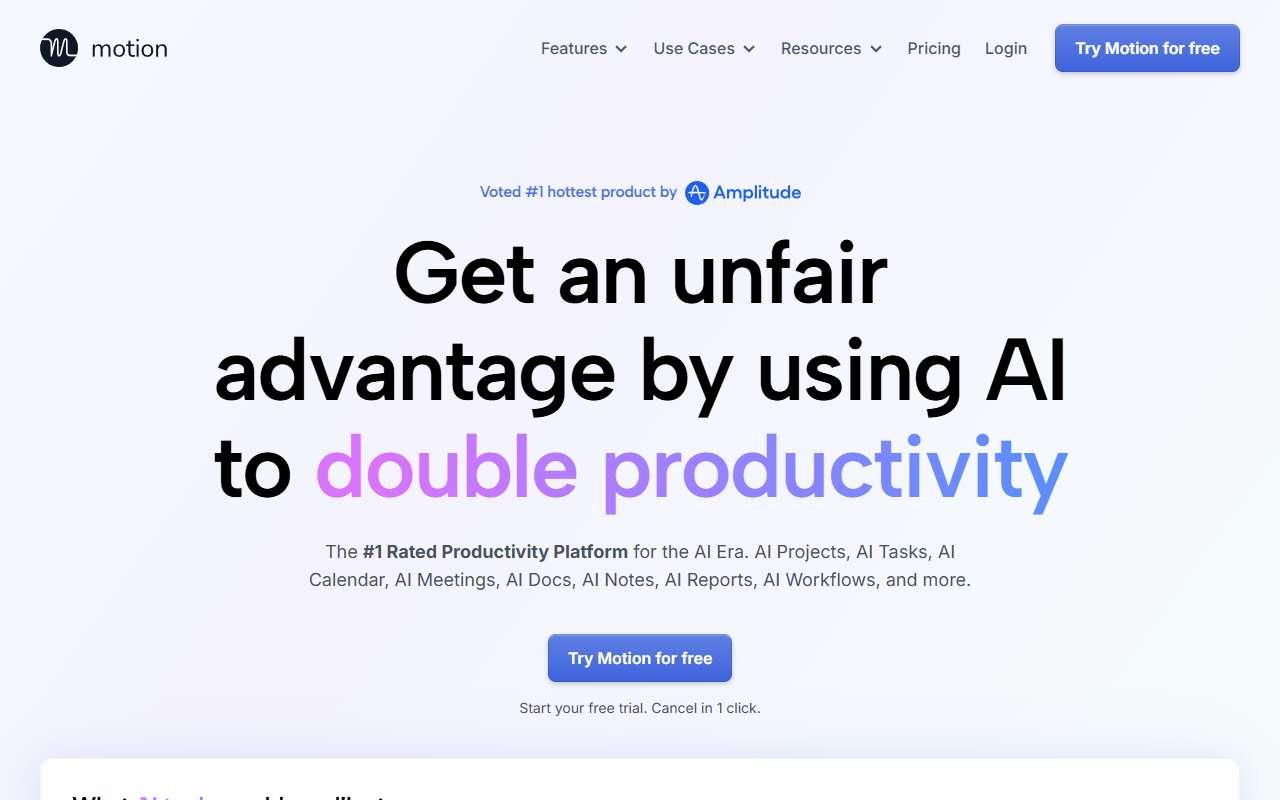
Motion website
Homepage, captured October 2026

Overview

What it does.

Motion combines a calendar, task list, and project manager, and uses an algorithm to place tasks on the calendar automatically based on priority, deadlines, and available time. When meetings move, tasks are rescheduled without manual effort. Newer AI features add an assistant that drafts project plans, meeting notes, and documents, and AI workflows that create tasks from emails or forms. Small agencies, consultants, and service businesses use it to keep a lean team on schedule without a dedicated project manager. It integrates with Google Calendar, Microsoft Outlook, Zoom, Microsoft Teams, Slack, and Zapier, and offers booking pages for client scheduling. The team plans are billed per seat, and monthly billing costs considerably more than annual. One caveat: the scheduling engine needs accurate durations and priorities on every task, and teams that do not keep tasks up to date tend to see unrealistic calendars that they stop trusting.

Pricing
No free plan, 7-day trial; Pro AI $49/month for individuals ($29 annual) or $29/seat/month for teams ($19 annual); Business AI $69/month individual or $49/seat/month teams; AI credits metered beyond plan allowance (Oct 2026).
Works with
Google CalendarMicrosoft OutlookZoomMicrosoft TeamsSlackZapierGmail
Features
AI agentsIntegrationsMeeting notesTeam workspaceTemplatesWorkflow builder
Checked
October 2026

Fit

Where it fitsbest.

Open top use case
Use caseFitEffortRisk
  • General assistant

    Owners juggling client work, admin tasks, and meetings who want a single auto-planned day.

    1-2 weeks to value · Low effort · Medium risk · moderate

    74Review
    LowMedium
  • Workflow automation

    Turning recurring intake like client requests into scheduled project tasks with AI workflows.

    2-4 weeks to value · Medium effort · Medium risk · moderate

    64Review
    MediumMedium
  • Meeting summaries

    Teams that want meeting notes and follow-up tasks created in the same tool that schedules the work.

    1 week to value · Low effort · Low risk · moderate

    58Review
    LowLow

Verdict

Who it suits.Who it doesn’t.

Best for

  • Small teams that want tasks placed on the calendar automatically instead of maintaining a separate to-do list.
  • Owners juggling client work, admin tasks, and meetings who want a single auto-planned day.
  • Teams that want meeting notes and follow-up tasks created in the same tool that schedules the work.
  • Turning recurring intake like client requests into scheduled project tasks with AI workflows.

Not ideal for

  • Teams that only need simple shared task tracking or that are unwilling to maintain task estimates and priorities.
  • No free plan and AI credit overages add to the per-seat cost.
  • The notetaker is newer and less mature than dedicated meeting recorders.
  • Workflow options are narrower than dedicated automation platforms.

Pays back on

Relatedopportunities.

Run the audit
  • 01Summarize operational reports
  • 02Draft finance summaries
  • 03Make internal knowledge searchable
  • 04Create an internal answer assistant
  • 05Create meeting notes and action items
  • 06Summarize sales and client calls

Compare

Alternatives.

All productivity tools
ToolCategoryPricingScore
  • Notion AI logo

    Notion AI

    AI writing, summarization, and knowledge management inside Notion.

    ProductivityPaid
    78
  • Reclaim.ai logo

    Reclaim.ai

    AI scheduling assistant for Google and Outlook calendars that blocks focus time, habits, tasks, and smart meetings.

    ProductivityFreemium
    65
  • Taskade logo

    Taskade

    Workspace for tasks, notes, and mind maps with built-in AI agents and no-code app generation on flat team pricing.

    ProductivityFreemium
    60

Not paid placement. Verified means the listing passed our current editorial checks; it does not guarantee fit for every workflow.