SeekSmart
ToolsUse casesIndustriesPlaybooksAI auditResources
Sign inStart audit

Find where AI pays back before you buy.

Start the free audit

Rules-based audits, researched tools, and pilot plans for small businesses.

ExploreToolsUse casesIndustriesCategoriesPlaybooks
DecideAI auditOpportunitiesMethodologyResourcesArticles
CompanySubmit a toolFeedbackPrivacyTerms

SeekSmart

© 2026 SeekSmartClear decisions before new software.
Tools/Productivity
Reclaim.ai logo

Reclaim.ai.

AI scheduling assistant for Google and Outlook calendars that blocks focus time, habits, tasks, and smart meetings.

FreemiumFree planby Reclaim.ai (Dropbox)
Visit website
Compare
65Avg fit

Best fit

General assistant

70/100

Category
Productivity
Pricing
Freemium, from $12/mo
Popularity
65/100
Setup
Moderate
Listing
Needs verification
reclaim.ai
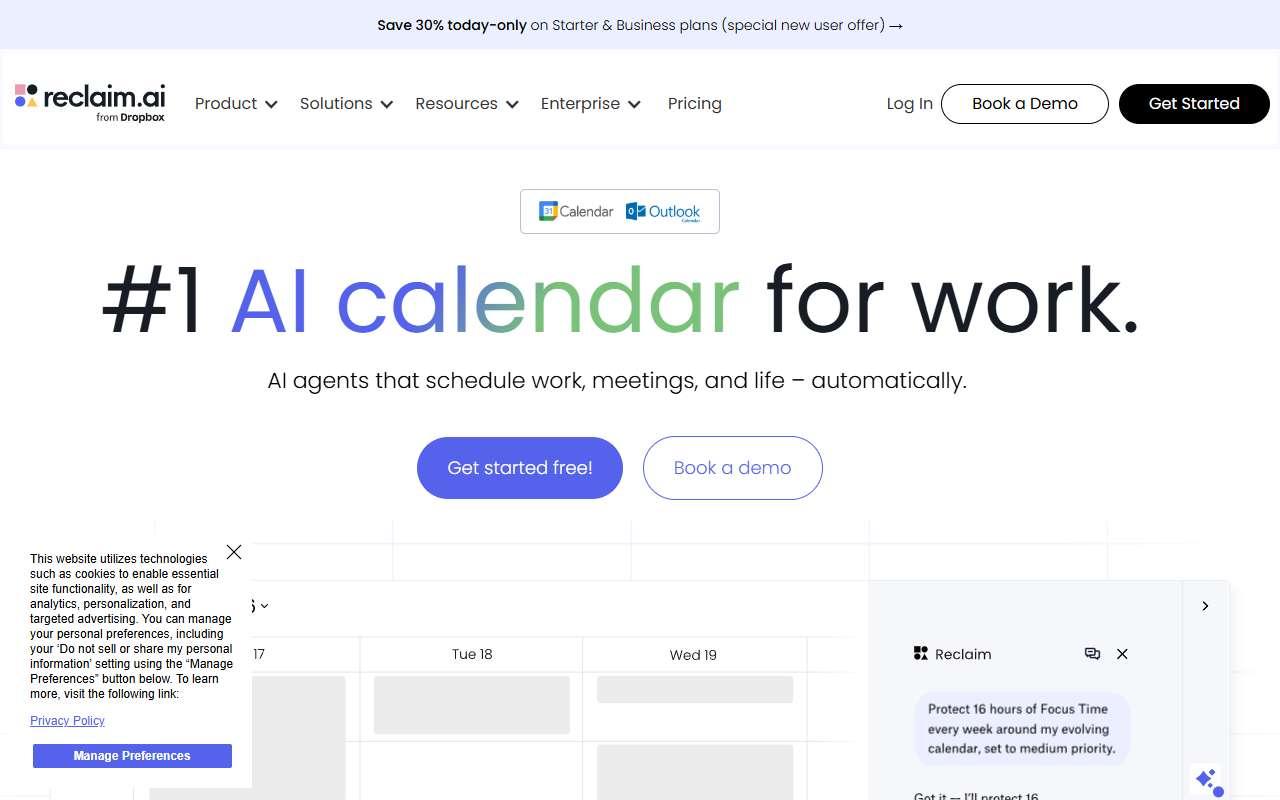
Reclaim.ai website
Homepage, captured October 2026

Overview

What it does.

Reclaim.ai is a calendar assistant that automatically finds time for tasks, recurring habits, and focus blocks on Google Calendar or Outlook, then moves them when meetings appear. It syncs tasks from Asana, Todoist, Jira, ClickUp, Linear, and Google Tasks so that work items show up as calendar time, and it offers scheduling links and smart one-on-one meetings that shift to the best slot for everyone. Small teams use it to protect uninterrupted work and avoid overbooked weeks without hiring an assistant. The product is owned by Dropbox and continues to operate under its own brand. It fits best in a business already running on Google Workspace or Microsoft 365 with a shared task tool. Integrations include Slack status sync, Zoom, and most major task managers. The caveat is that the free Lite plan is limited to a single user with a short scheduling range, so a team evaluation effectively requires the paid Starter or Business plan.

Pricing
Lite plan free for one user; Starter $12/user/month ($10 annual); Business $18/user/month ($15 annual); Enterprise $22/user/month on annual billing (Oct 2026).
Works with
Google CalendarMicrosoft OutlookSlackAsanaTodoistJiraZoomClickUp
Features
IntegrationsTeam workspaceTemplates
Checked
October 2026

Fit

Where it fitsbest.

Open top use case
Use caseFitEffortRisk
  • General assistant

    Protecting focus time and keeping a weekly plan realistic without manual calendar shuffling.

    1-2 weeks to value · Low effort · Medium risk · low

    70Review
    LowMedium
  • Workflow automation

    Automatically turning task-tool items into scheduled calendar time and rebalancing when meetings change.

    2-4 weeks to value · Medium effort · Medium risk · low

    60Review
    MediumMedium

Verdict

Who it suits.Who it doesn’t.

Best for

  • Small teams on Google Workspace or Microsoft 365 who want tasks and focus time placed on the calendar automatically.
  • Protecting focus time and keeping a weekly plan realistic without manual calendar shuffling.
  • Automatically turning task-tool items into scheduled calendar time and rebalancing when meetings change.

Not ideal for

  • Businesses that need a full project management system rather than a calendar layer on top of existing task tools.
  • It manages time, not content; it will not draft documents or answer questions.
  • Automation is limited to scheduling; there are no general-purpose triggers or actions.

Pays back on

Relatedopportunities.

Run the audit
  • 01Summarize operational reports
  • 02Draft finance summaries
  • 03Make internal knowledge searchable
  • 04Create an internal answer assistant
  • 05Automate intake and routing
  • 06Build reusable workflow templates

Compare

Alternatives.

All productivity tools
ToolCategoryPricingScore
  • Gemini logo

    Gemini

    Google's AI assistant for search, productivity, and multimodal tasks.

    ProductivityFreemium

    90
  • Motion logo

    Motion

    AI calendar, task, and project manager that auto-schedules work around meetings and deadlines.

    ProductivityPaid
    72
  • Taskade logo

    Taskade

    Workspace for tasks, notes, and mind maps with built-in AI agents and no-code app generation on flat team pricing.

    ProductivityFreemium
    60

Not paid placement. Verified means the listing passed our current editorial checks; it does not guarantee fit for every workflow.