SeekSmart
ToolsUse casesIndustriesPlaybooksAI auditResources
Sign inStart audit

Find where AI pays back before you buy.

Start the free audit

Rules-based audits, researched tools, and pilot plans for small businesses.

ExploreToolsUse casesIndustriesCategoriesPlaybooks
DecideAI auditOpportunitiesMethodologyResourcesArticles
CompanySubmit a toolFeedbackPrivacyTerms

SeekSmart

© 2026 SeekSmartClear decisions before new software.
Tools/Data Analysis
Quadratic logo

Quadratic.

AI spreadsheet where cells can run Python, SQL and JavaScript, with a chat assistant that writes code and charts from prompts.

FreemiumFree planby Quadratic Technologies, Inc.
Visit website
Compare
77Avg fit

Best fit

Data analysis

86/100

Category
Data Analysis
Pricing
Freemium, from $18/mo
Popularity
55/100
Setup
Moderate
Listing
Needs verification
quadratichq.com
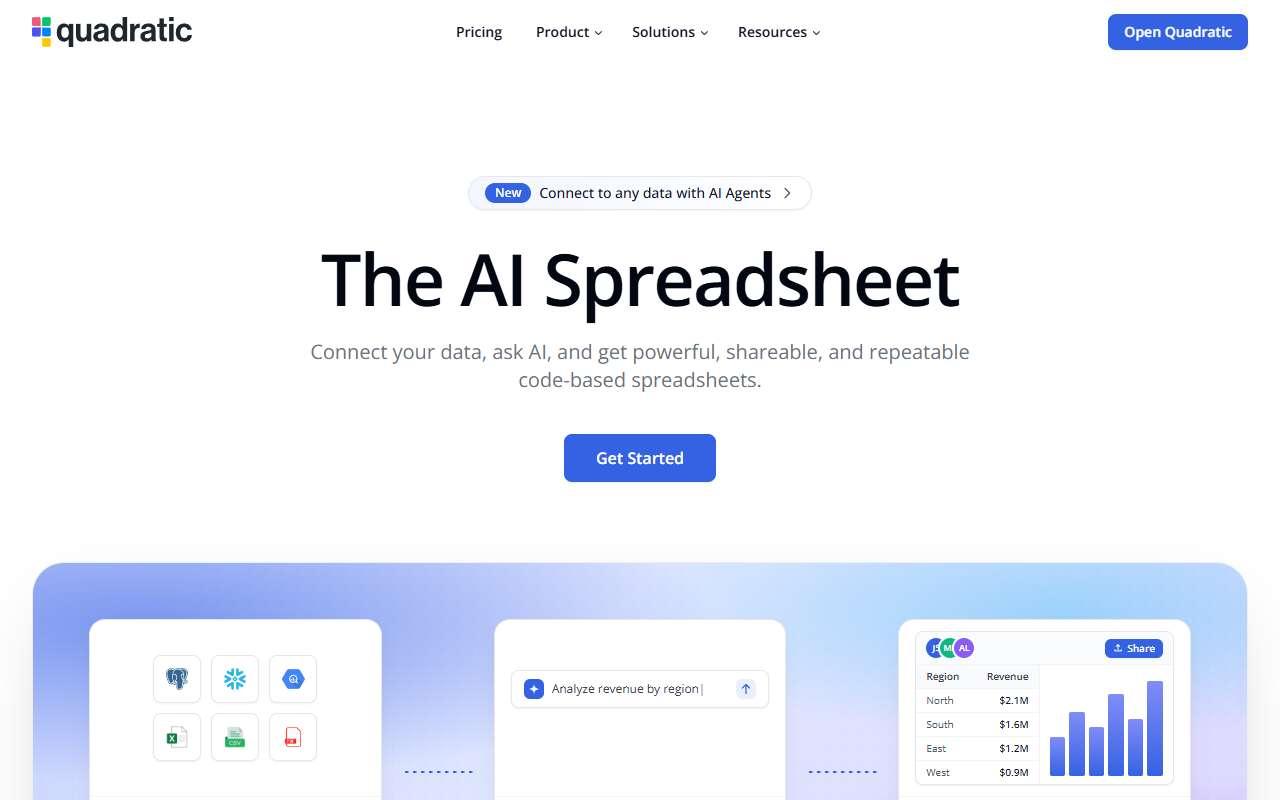
Quadratic website
Homepage, captured October 2026

Overview

What it does.

Quadratic is a browser-based spreadsheet built for analysis rather than bookkeeping. Alongside normal formulas, any cell can contain Python, SQL or JavaScript, and the results spill into the grid like regular data. An AI assistant in the sidebar writes the code, builds charts, cleans data and explains results when asked in plain English, and it can see the sheet contents so answers reference actual columns. Direct connections to Postgres, MySQL, Snowflake, BigQuery and other databases let users pull live data with SQL without exporting CSVs, and files can be dropped in from Excel or CSV. Analysts and founders at small companies use it as a middle ground between Excel and a notebook when they want AI-written Python without setting up an environment. Teams share sheets with real-time collaboration. A pilot is importing a sales export, asking the AI for a cohort chart and comparing the effort with doing the same in Excel. Caveat: it is not a drop-in Excel replacement, as formula compatibility and pivot tables are more limited than Excel or Google Sheets.

Pricing
Personal plan free; Pro $18/user/month billed annually; Business $36/user/month billed annually; Enterprise custom (Oct 2026).
Works with
PostgreSQLMySQLSnowflakeBigQueryExcelCSVSupabase
Features
Chat interfaceData warehouse connectionExport optionsSpreadsheet analysisTeam workspace
Checked
October 2026

Fit

Where it fitsbest.

Open top use case
Use caseFitEffortRisk
  • Data analysis

    Ad hoc analysis and charts on exported or live data written by AI in Python or SQL.

    1-3 weeks to value · Medium effort · Medium risk · low

    86Best fit
    MediumMedium
  • Spreadsheet automation

    Replacing fragile Excel macros with AI-written Python cells that rerun on fresh data.

    2-4 weeks to value · Medium effort · Medium risk · low

    76Strong
    MediumMedium
  • Data engineering assistance

    Writing and testing SQL against warehouse tables with AI help before moving queries into a pipeline.

    2-4 weeks to value · Medium effort · Medium risk · low

    68Review
    MediumMedium

Verdict

Who it suits.Who it doesn’t.

Best for

  • Analysts and technical founders who want AI-generated Python and SQL inside a spreadsheet connected to live databases.
  • Ad hoc analysis and charts on exported or live data written by AI in Python or SQL.
  • Writing and testing SQL against warehouse tables with AI help before moving queries into a pipeline.
  • Replacing fragile Excel macros with AI-written Python cells that rerun on fresh data.

Not ideal for

  • Finance teams that rely on complex Excel models and macros, or users who never need code.
  • Large datasets beyond a few hundred thousand rows get slow in the browser.
  • It is not a scheduler or transformation framework.
  • No scheduled refresh on lower tiers.

Pays back on

Relatedopportunities.

Run the audit
  • 01Analyze recurring business reports
  • 02Create finance planning narratives
  • 03Assist data engineering and analytics delivery
  • 04Automate document intake
  • 05Create executive BI narratives

Compare

Alternatives.

All data analysis tools
ToolCategoryPricingScore
  • Julius AI logo

    Julius AI

    AI data analyst for spreadsheets, charts, statistical analysis, and reports.

    Data AnalysisFreemium

    74
  • Hex logo

    Hex

    Collaborative data workspace with AI assist for notebooks, reports, apps, and analytics workflows.

    Data AnalysisFreemium
    75
  • Better Analyst logo

    Better Analyst

    AI data analyst formerly known as Formula Bot: generates Excel and Sheets formulas, cleans data and builds dashboards from uploads.

    Data AnalysisFreemium
    52
  • Coefficient logo

    Coefficient

    Google Sheets and Excel add-on that syncs live data from CRMs, databases and ad platforms, with AI formulas and chart builders.

    Data AnalysisFreemium
    60

Not paid placement. Verified means the listing passed our current editorial checks; it does not guarantee fit for every workflow.